
Stay ahead of the curve with expert WordPress tips, practical tutorials, security insights, and the latest industry updates. Whether you’re troubleshooting a website issue, improving performance, or protecting your site from security threats, The WordPress Pulse delivers the knowledge you need to keep your WordPress website running at its best.
Latest WordPress Tips & Insights
WordPress is constantly evolving, and keeping up with the latest developments can make a big difference in your website’s security, functionality, and performance. Explore expert advice, helpful tutorials, and actionable insights designed to help you get more out of your WordPress website.
From new features and plugin recommendations to common mistakes and best practices, we break down complex WordPress topics into straightforward guidance you can actually use.
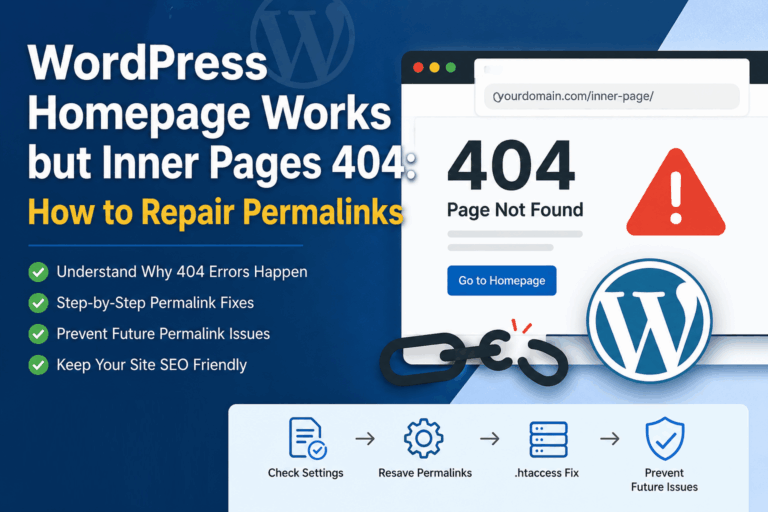
WordPress Homepage Works but Inner Pages 404: How to Repair Permalinks

WordPress homepage works but inner pages 404 is one of the most common and confusing WordPress problems because the site looks partly alive. Your homepage loads, your logo appears, and visitors may even think the site is fine. Then they…
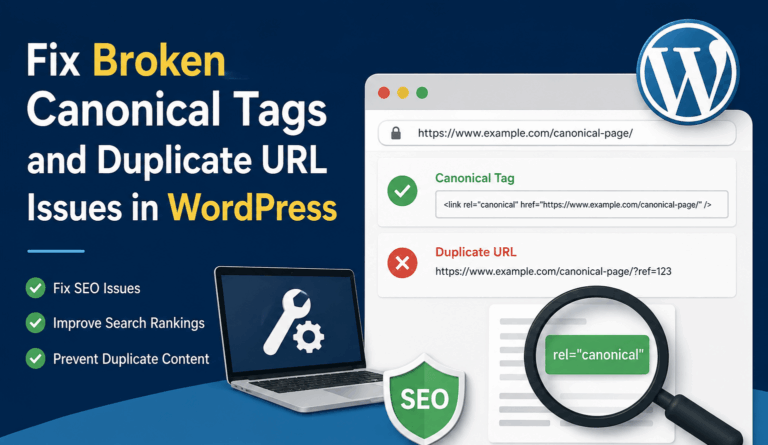
Fix Broken Canonical Tags and Duplicate URL Issues in WordPress
SEO Package Focus Keyword: fix broken canonical tags in WordPressSEO Title: Fix Broken Canonical Tags in WordPress and Duplicate URL IssuesSEO Meta Description: Learn how to fix broken canonical tags in WordPress, remove duplicate URL issues, improve indexing, and help…
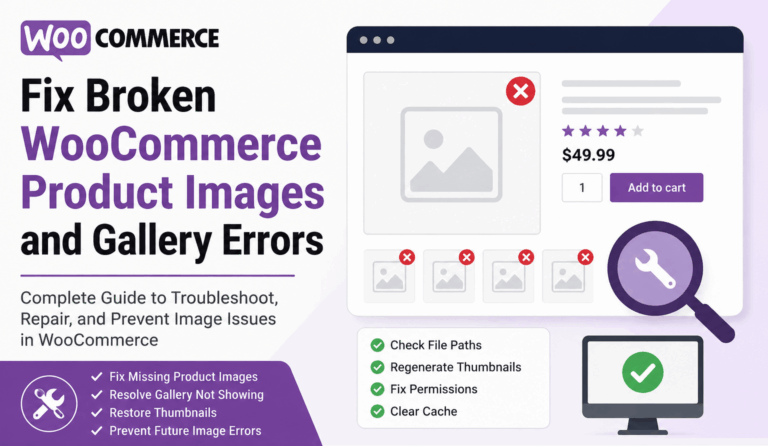
Fix Broken WooCommerce Product Images and Gallery Errors
Fix Broken WooCommerce Product Images quickly and your online store instantly feels more trustworthy, professional, and ready to sell. When product photos disappear, thumbnails show as blank boxes, gallery images stop sliding, or variation images refuse to update, shoppers hesitate.…
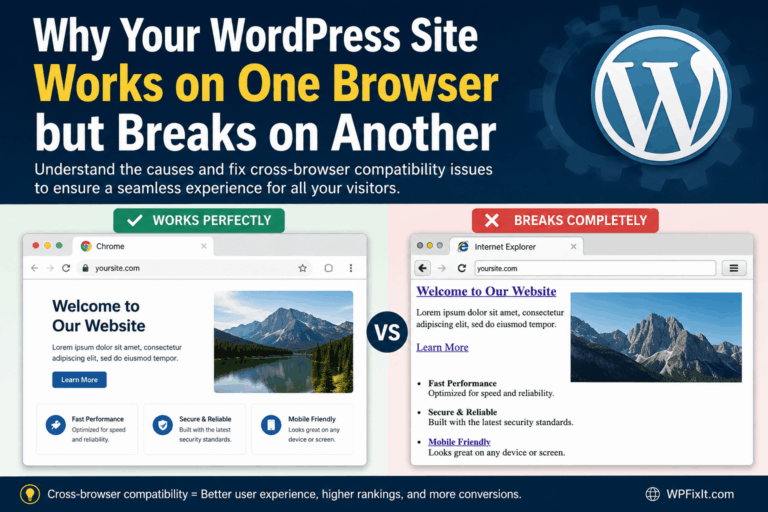
Why Your WordPress Site Works on One Browser but Breaks on Another
A WordPress site breaks on different browsers for reasons that can feel confusing at first. It may look perfect in Chrome but appear broken in Safari. It may load fine in Firefox but lose its layout in Microsoft Edge. Sometimes…
Guard Dog Security & Site Lock: Keep WordPress Cleaner and Safer
Guard Dog Security & Site Lock helps WordPress administrators keep websites cleaner, safer, and easier to audit from the dashboard. For many site owners, the biggest WordPress security concern is not always the obvious problem. It is the hidden folder,…
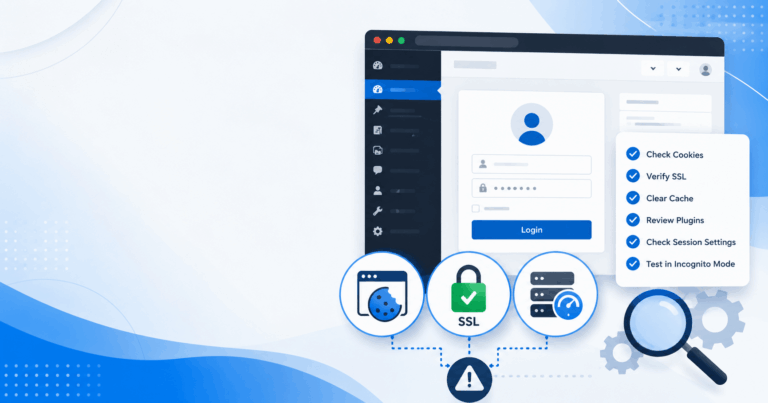
How to Fix a WordPress Site That Logs You Out Constantly
Trying to fix WordPress site logs you out constantly can feel frustrating because the problem usually appears simple on the surface but can have several possible causes. One moment you are editing a post, updating a plugin, checking WooCommerce orders,…
How to Troubleshoot a WordPress Site That Only Breaks for Logged-In Users
A WordPress site breaks for logged-in users when something behaves differently after WordPress recognizes a visitor as authenticated. The public version of the site may look perfect, but the moment an administrator, editor, customer, member, or subscriber logs in, the…
WordPress JavaScript Errors: How to Find the Plugin or Theme Causing Them
WordPress JavaScript errors can turn a normal website into a frustrating guessing game. One moment your menu works, your form submits, your slider loads, and your checkout page behaves exactly as expected. Then a plugin update, theme change, caching adjustment,…
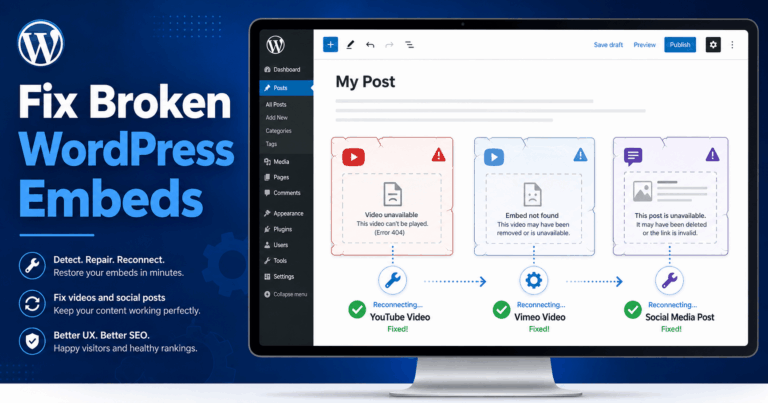
How to Fix Broken Embeds in WordPress for YouTube, Vimeo, and Social Posts
Fix broken embeds in WordPress quickly by checking the embed URL, confirming the platform still supports embedding, clearing cache, testing for plugin or theme conflicts, and making sure WordPress can connect to the external content provider. Broken YouTube videos, Vimeo…
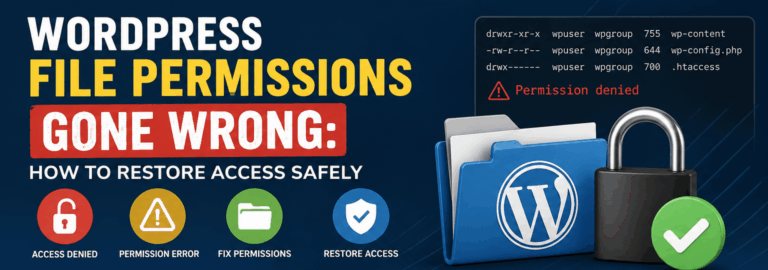
WordPress File Permissions Gone Wrong: How to Restore Access Safely
WordPress file permissions might seem like a small technical setting until one wrong change blocks your dashboard, breaks your theme, stops uploads, or exposes sensitive files. File permissions control who can read, write, and execute files on your server, and…
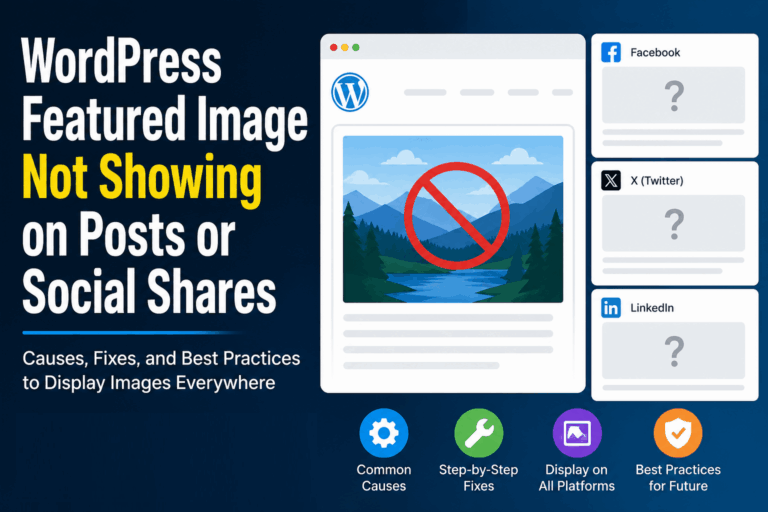
WordPress Featured Image Not Showing on Posts or Social Shares: Complete Fix Guide
WordPress Featured Image Not Showing on your blog posts, archive pages, homepage, Facebook shares, X posts, LinkedIn previews, or messaging apps can be extremely frustrating. You upload the perfect image, publish the post, share the link, and then nothing appears.…
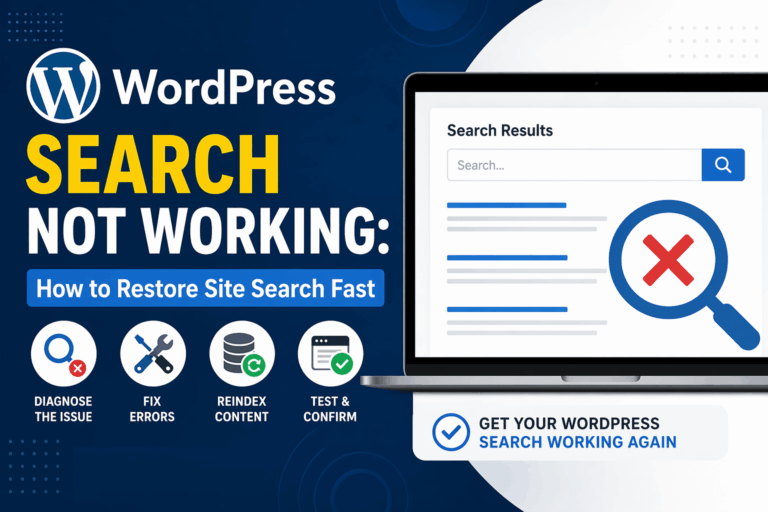
WordPress Search Not Working: How to Restore Site Search Fast
WordPress search not working is one of those problems that feels small until it starts costing you pageviews, leads, support requests, and sales. Visitors type exactly what they want into your search bar, hit enter, and either get no results,…
WordPress Security & Malware Prevention
Keeping your WordPress website secure is essential for protecting your business, your customers, and your online reputation. Cybersecurity threats, malicious plugins, outdated software, and website vulnerabilities can put your entire online presence at risk.
Discover practical WordPress security tips, malware prevention strategies, website protection recommendations, and expert insights to help safeguard your website against hackers, infections, and unexpected security issues.
WordPress Troubleshooting Guides
WordPress errors can happen when you least expect them. Whether you’re dealing with the white screen of death, plugin conflicts, broken layouts, database connection errors, or unexpected website behavior, finding the right solution quickly matters.
Our WordPress troubleshooting guides help you understand common website problems, identify potential causes, and explore practical solutions. Get expert guidance to resolve issues, minimize downtime, and keep your website functioning smoothly.
Website Speed & Performance
A fast, responsive website creates a better experience for visitors and can support stronger search engine performance. Slow page loading, inefficient plugins, oversized images, and poorly configured hosting environments can all affect your WordPress website’s speed.
Explore WordPress performance optimization tips, caching recommendations, Core Web Vitals insights, and proven strategies for improving website speed, reliability, and overall user experience.
WordPress Maintenance & Best Practices
A healthy WordPress website requires ongoing attention. Regular software updates, reliable backups, security monitoring, and preventative maintenance help reduce unexpected problems and keep your website operating efficiently.
Learn essential WordPress maintenance best practices, discover ways to improve website stability, and understand how proactive website management can help prevent costly issues before they happen.
Expert WordPress Help When You Need It
Sometimes, even the best tutorials aren’t enough to solve a complicated WordPress problem. That’s where WP Fix It comes in.
Our WordPress support experts specialize in troubleshooting, malware removal, website performance, security, and ongoing WordPress maintenance. Whether you’re facing an urgent website issue or looking for long-term peace of mind, we’re here to help you keep your WordPress website secure, reliable, and running smoothly.
Need help with your WordPress website? Get Expert WordPress Support and let our team take care of the technical headaches.
