
Stay ahead of the curve with expert WordPress tips, practical tutorials, security insights, and the latest industry updates. Whether you’re troubleshooting a website issue, improving performance, or protecting your site from security threats, The WordPress Pulse delivers the knowledge you need to keep your WordPress website running at its best.
Latest WordPress Tips & Insights
WordPress is constantly evolving, and keeping up with the latest developments can make a big difference in your website’s security, functionality, and performance. Explore expert advice, helpful tutorials, and actionable insights designed to help you get more out of your WordPress website.
From new features and plugin recommendations to common mistakes and best practices, we break down complex WordPress topics into straightforward guidance you can actually use.
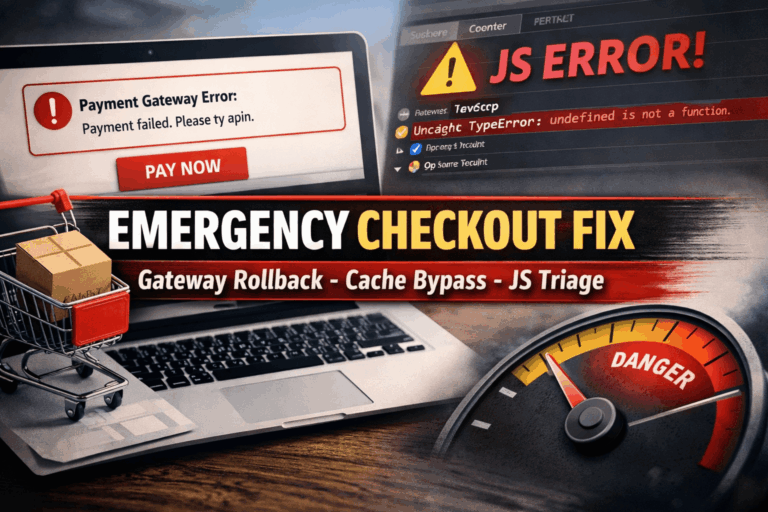
Emergency Checkout Fix: Gateway Rollback, Cache Bypass, JS Console Triage

If you’re reading this, your store is probably bleeding revenue. The cart works, customers can add items, but checkout fails, payment buttons don’t load, or the order never completes. This Emergency Checkout Fix guide is built for that exact moment—when…
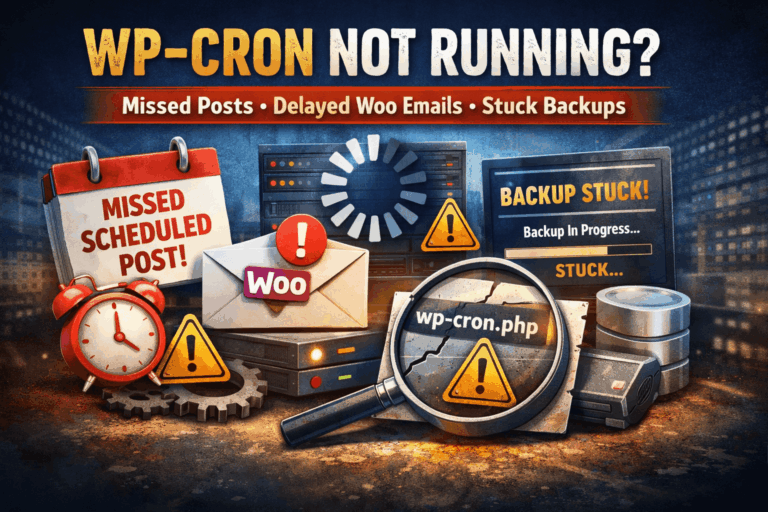
WP-Cron Not Running: Missed Scheduled Posts, Delayed Woo Emails, Stuck Backups
If WP-Cron not running is ruining your day, you’re not alone. When WordPress scheduling breaks, it rarely fails in a neat, obvious way. Instead, it quietly causes chaos: The worst part? Your site can look totally fine on the surface…
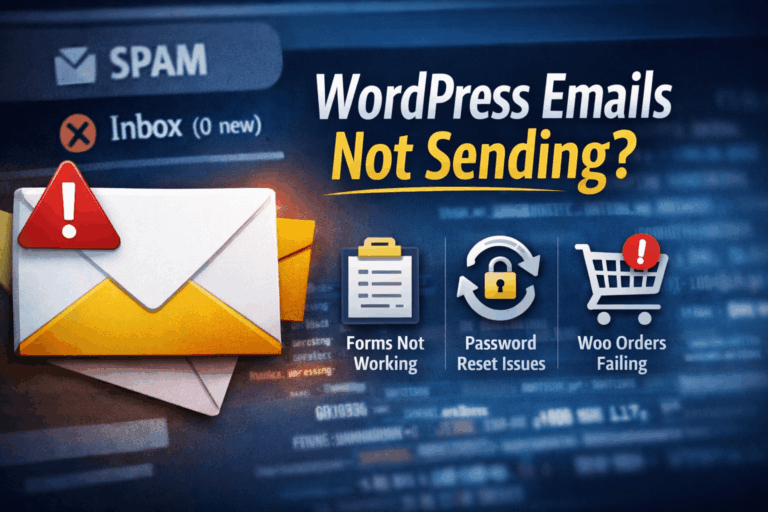
WordPress Emails Suddenly Stop Sending (Forms, Password Reset, Woo Orders)
If your WordPress emails not sending problem appeared “out of nowhere” (contact forms go quiet, password reset emails never arrive, WooCommerce order notifications stop), you’re not alone—and you’re not crazy. WordPress email issues are extremely common because WordPress doesn’t actually…
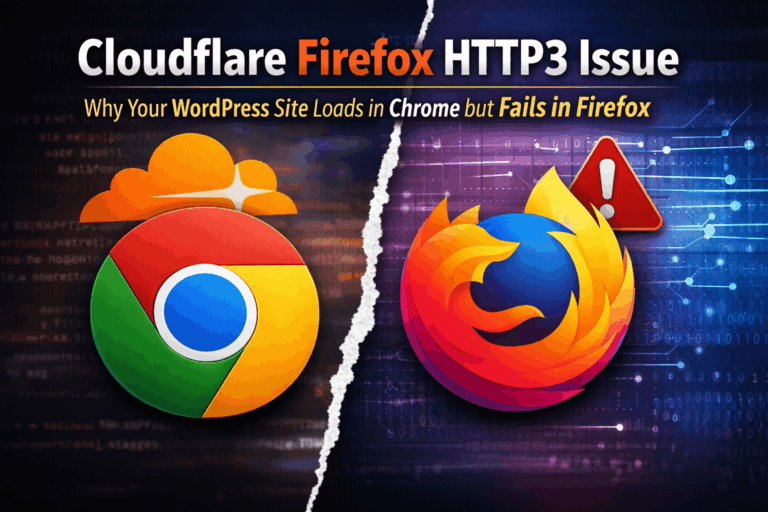
Cloudflare Firefox HTTP3 Issue: Why Your WordPress Site Loads in Chrome but Fails in Firefox
If you are dealing with a Cloudflare Firefox HTTP3 issue, you are not alone. It can be one of the most frustrating website problems to diagnose because everything looks normal at first. Your WordPress site may load instantly in Chrome,…
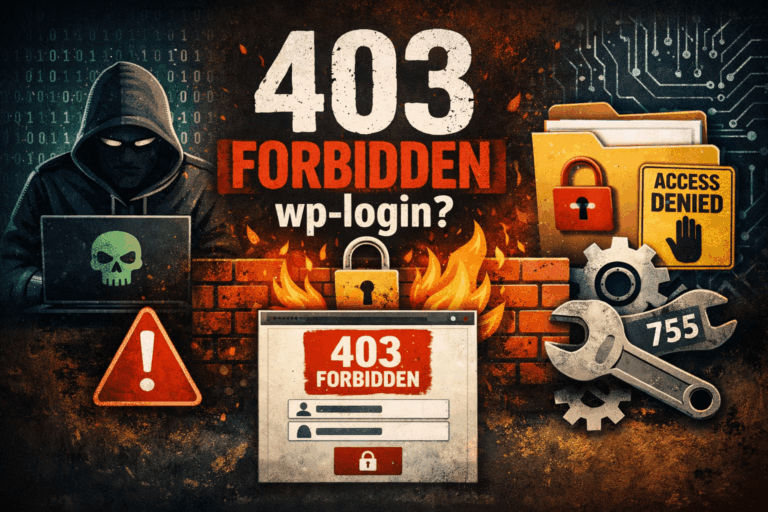
403 Forbidden on wp-login.php or /wp-admin: Hack vs Firewall vs Permissions
A 403 Forbidden wp-login or /wp-admin 403 is one of the most annoying WordPress problems because it feels like a hack… but just as often it’s a firewall rule, ModSecurity, a CDN/WAF challenge, a plugin block, or plain old file…
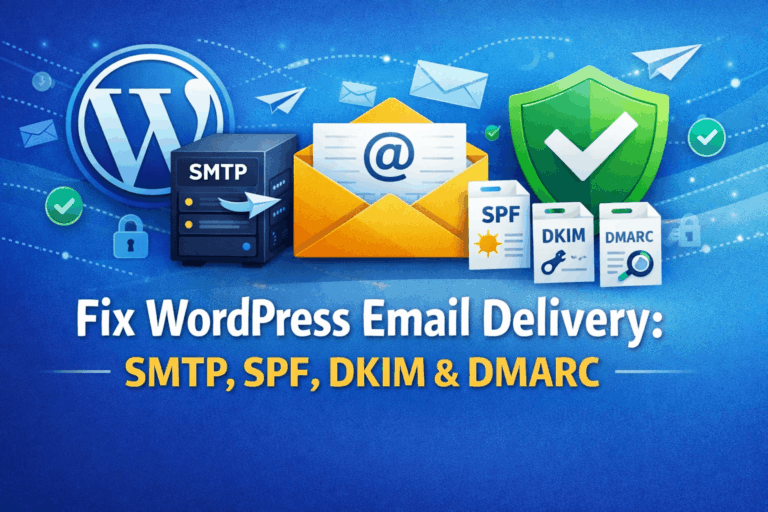
Fix WordPress Email Delivery: SMTP Setup + SPF/DKIM/DMARC in Plain English
If you’re here to Fix WordPress Email Delivery, you’re probably dealing with one of these headaches: The good news: most WordPress email problems come down to two fixable things: This guide walks you through both—SMTP setup + SPF/DKIM/DMARC—in plain English,…
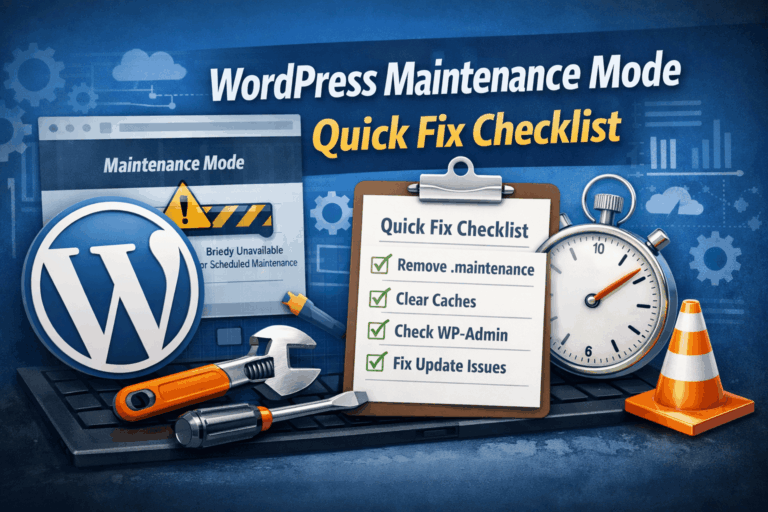
Maintenance Mode Quick Fix Checklist (2-Minute Recovery + Edge Cases)
If you need a WordPress maintenance mode quick fix, you’re usually dealing with one of two scenarios: Either way, you want the fastest safe path: get the site back up, confirm what caused the lock, then prevent it from happening…
Replace WP-Cron with Real Cron (Stop Missed Schedules + Improve Performance)
If you’ve ever had a scheduled post fail to publish, a backup job not run, or WooCommerce emails send late, you’ve already met the downside of WordPress’s default scheduling system. Replace WP-Cron with Real Cron and you’ll usually fix “missed…
WordPress ERR_TOO_MANY_REDIRECTS After SSL/Cloudflare Changes
If you’re seeing WordPress ERR_TOO_MANY_REDIRECTS right after changing SSL settings, turning on Cloudflare, enabling “Always Use HTTPS,” or updating your WordPress Address/Site Address to HTTPS, you’re almost certainly stuck in a redirect loop. The good news: this is one of…
Fix Loopback Failures: Basic Auth, Firewalls, Host Blocks, SSL Mismatches
If you’re trying to Fix WordPress Loopback Failures, you’re in the right place. Loopback failures are one of those sneaky WordPress issues that can break important background processes while your site looks normal on the front end—until updates fail, scheduled…
cURL Error 28 / Timeout Errors: Why Updates and APIs Keep Failing
If you’re seeing cURL Error 28 timeout messages in WordPress, you’re dealing with a very specific kind of failure: your site tried to make an HTTP request (to WordPress.org, a plugin licensing server, a payment gateway, an email service, your…
WordPress Stuck in Maintenance Mode (Even Without the Message)
If your site is WordPress stuck in maintenance mode—but you don’t see the usual “Briefly unavailable for scheduled maintenance” screen—you’re not imagining things. This happens all the time: the maintenance flag is active (or something is behaving like it is),…
WordPress Security & Malware Prevention
Keeping your WordPress website secure is essential for protecting your business, your customers, and your online reputation. Cybersecurity threats, malicious plugins, outdated software, and website vulnerabilities can put your entire online presence at risk.
Discover practical WordPress security tips, malware prevention strategies, website protection recommendations, and expert insights to help safeguard your website against hackers, infections, and unexpected security issues.
WordPress Troubleshooting Guides
WordPress errors can happen when you least expect them. Whether you’re dealing with the white screen of death, plugin conflicts, broken layouts, database connection errors, or unexpected website behavior, finding the right solution quickly matters.
Our WordPress troubleshooting guides help you understand common website problems, identify potential causes, and explore practical solutions. Get expert guidance to resolve issues, minimize downtime, and keep your website functioning smoothly.
Website Speed & Performance
A fast, responsive website creates a better experience for visitors and can support stronger search engine performance. Slow page loading, inefficient plugins, oversized images, and poorly configured hosting environments can all affect your WordPress website’s speed.
Explore WordPress performance optimization tips, caching recommendations, Core Web Vitals insights, and proven strategies for improving website speed, reliability, and overall user experience.
WordPress Maintenance & Best Practices
A healthy WordPress website requires ongoing attention. Regular software updates, reliable backups, security monitoring, and preventative maintenance help reduce unexpected problems and keep your website operating efficiently.
Learn essential WordPress maintenance best practices, discover ways to improve website stability, and understand how proactive website management can help prevent costly issues before they happen.
Expert WordPress Help When You Need It
Sometimes, even the best tutorials aren’t enough to solve a complicated WordPress problem. That’s where WP Fix It comes in.
Our WordPress support experts specialize in troubleshooting, malware removal, website performance, security, and ongoing WordPress maintenance. Whether you’re facing an urgent website issue or looking for long-term peace of mind, we’re here to help you keep your WordPress website secure, reliable, and running smoothly.
Need help with your WordPress website? Get Expert WordPress Support and let our team take care of the technical headaches.
