
WordPress 7.0 Features are shaping up to make this one of the most ambitious major releases in recent memory. But there is one important detail to get straight before you update a single site: WordPress 7.0 was originally scheduled for April 9, 2026, and that final release was officially delayed by the Core team to allow more time for testing and refinement, especially around real-time collaboration. That means the smartest way to frame this release today is not as a finished rollout, but as an active release cycle with major features that site owners, developers, and agencies should already be evaluating.
If you manage WordPress websites for clients or for your own business, this matters. A release like 7.0 is not just another minor update with a few editor tweaks. It brings visible design and workflow upgrades, deeper block editor capabilities, new AI-related infrastructure in Core, more advanced developer tooling, and a fresh push toward modern admin experiences. At the same time, a few features have changed during the cycle, and at least one headline item was important enough to delay the final release.
So let’s break down the biggest WordPress 7.0 Features, what they mean in practice, and how to prepare your site without getting burned by compatibility issues.
1. Real-time collaboration is the headline feature

The most talked-about addition in WordPress 7.0 is real-time collaboration in the block editor. In simple terms, multiple users can work in the same piece of content at the same time, with live awareness of cursor positions, selections, and editing activity. Under the hood, WordPress says this feature uses Yjs, which is designed for collaborative editing and conflict handling. This is a major shift for editorial teams that previously had to rely on post locking, handoffs, or external tools to avoid stepping on each other’s work.
That said, real-time collaboration is also the main reason the final release was delayed. The Core team explained that WordPress 7.0 needed more time specifically to address testing feedback related to the implementation and stability of collaboration. In Beta 6, the team also made collaboration opt-in by default and increased polling intervals to reduce server load. That tells you two things: first, the feature is important enough to shape the identity of 7.0; second, it is also important enough not to rush.
For site owners, the practical takeaway is simple: do not treat this as a blind-click production update. Test collaboration on staging. If your team has custom editorial plugins, workflow tools, or heavily customized admin experiences, validate them before pushing anything live. If you already have a process for safe updates, keep following it. WP Fix It’s guide on How to Update WordPress Website is a useful internal resource because it emphasizes staging and backups before major core changes.
2. Visual revisions make content review easier
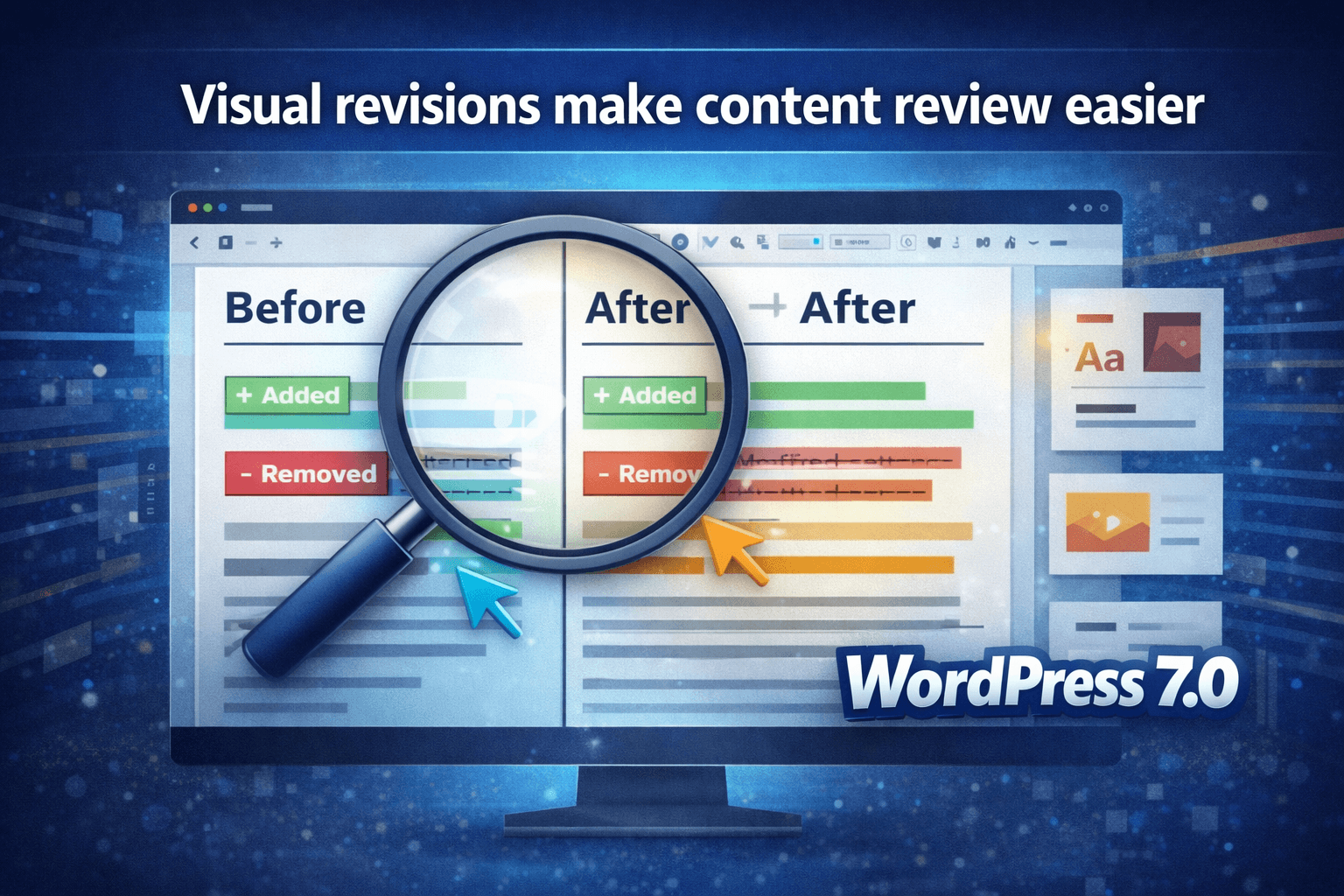
Another standout among WordPress 7.0 Features is in-editor revisions with visual change tracking. Instead of treating revisions like a text-heavy afterthought, the editor now shows color-coded differences directly in the document view. Added blocks and text are highlighted, removed content is clearly marked, and modified settings get their own visual treatment as well. That makes revision comparison far easier for editors, marketers, and clients who do not want to interpret raw before-and-after content in a plain diff screen.
This is one of those features that may not generate flashy headlines outside WordPress circles, but it can have a real operational impact. Teams that revise landing pages, blog posts, product descriptions, or legal pages repeatedly will be able to review changes faster and with less confusion. For agencies, this can reduce editorial friction. For publishers, it can tighten review cycles. For client sites, it helps explain what changed without technical hand-holding.
3. New blocks expand what users can build without extra plugins
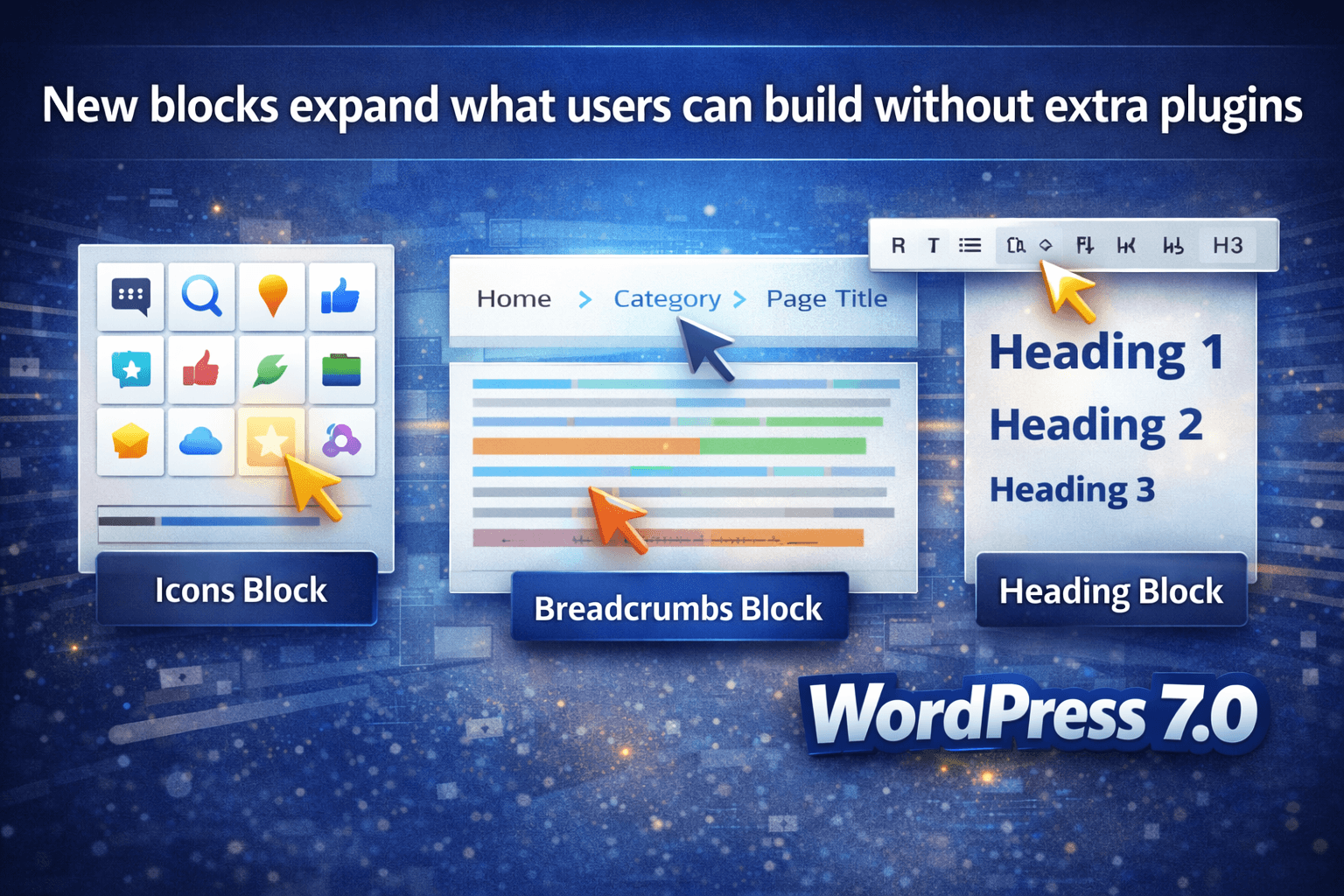
WordPress 7.0 Beta 1 highlighted several new blocks and design tools, including the new Icons block, Breadcrumbs block, and Heading block improvements. The Icons block lets users insert SVG icons from a curated library, while the Breadcrumbs block gives themes and site builders a native way to display hierarchy-aware trails. Heading levels are also available as block variations, making hierarchy and design workflows cleaner inside the editor.
The Breadcrumbs block is especially interesting because it is not just decorative. WordPress describes it as a block that can be placed once, such as in a theme header, and then automatically reflect the site’s navigation hierarchy. Developers also get filters to control the output. That means the feature is useful out of the box for site builders, but it is flexible enough for advanced implementations too.
For site owners focused on usability and SEO, native breadcrumb support can reduce reliance on third-party solutions for a common layout element. For developers, it offers cleaner integration points. For agencies, it means fewer “simple customizations” that actually require plugin sprawl.
4. Navigation overlays finally give mobile menus real flexibility
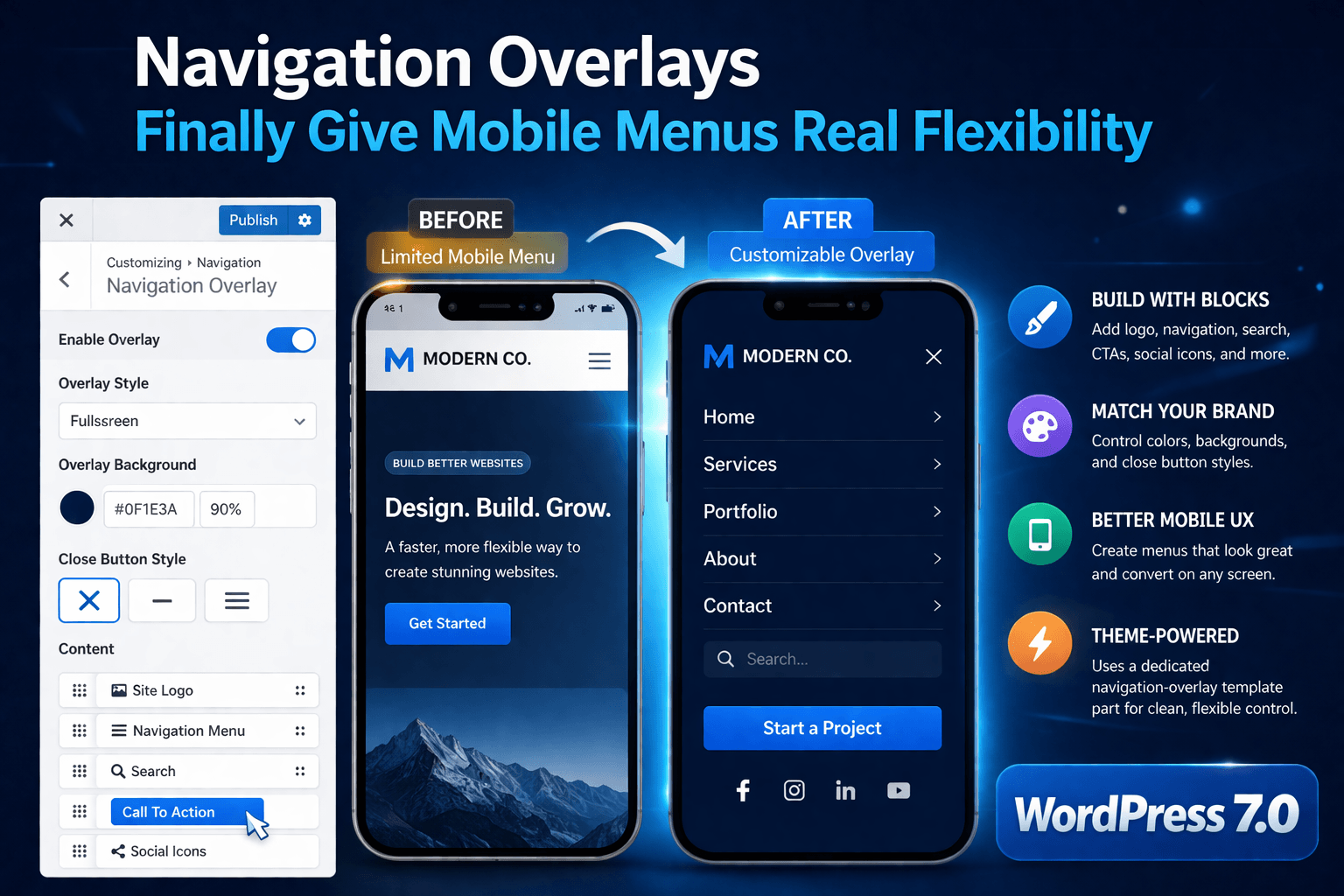
Mobile navigation has been a pain point in block themes, and WordPress 7.0 addresses that with customizable navigation overlays. WordPress says these overlays are implemented as template parts using a dedicated navigation-overlay area, which means users can build mobile menu experiences with blocks and patterns instead of being locked into a fixed default overlay. Authors can include navigation, branding, calls to action, search, social icons, and more.
This matters more than it may seem. Mobile navigation is often one of the highest-traffic interaction points on a site, yet it has traditionally been one of the least flexible. With customizable overlays, designers can make mobile menus feel like a true extension of the brand instead of a generic fallback. Agencies building conversion-focused sites should pay attention here, because the mobile menu can now become a stronger UX and marketing asset.
There are still limitations. WordPress notes that overlays are currently tied to the active theme and are full-screen only in this initial version. Even so, this is a major usability upgrade. If you manage performance-sensitive or heavily customized themes, you should test the overlay behavior early, especially if your menu logic already depends on custom code or scripts.
5. Responsive layout and visibility controls keep improving
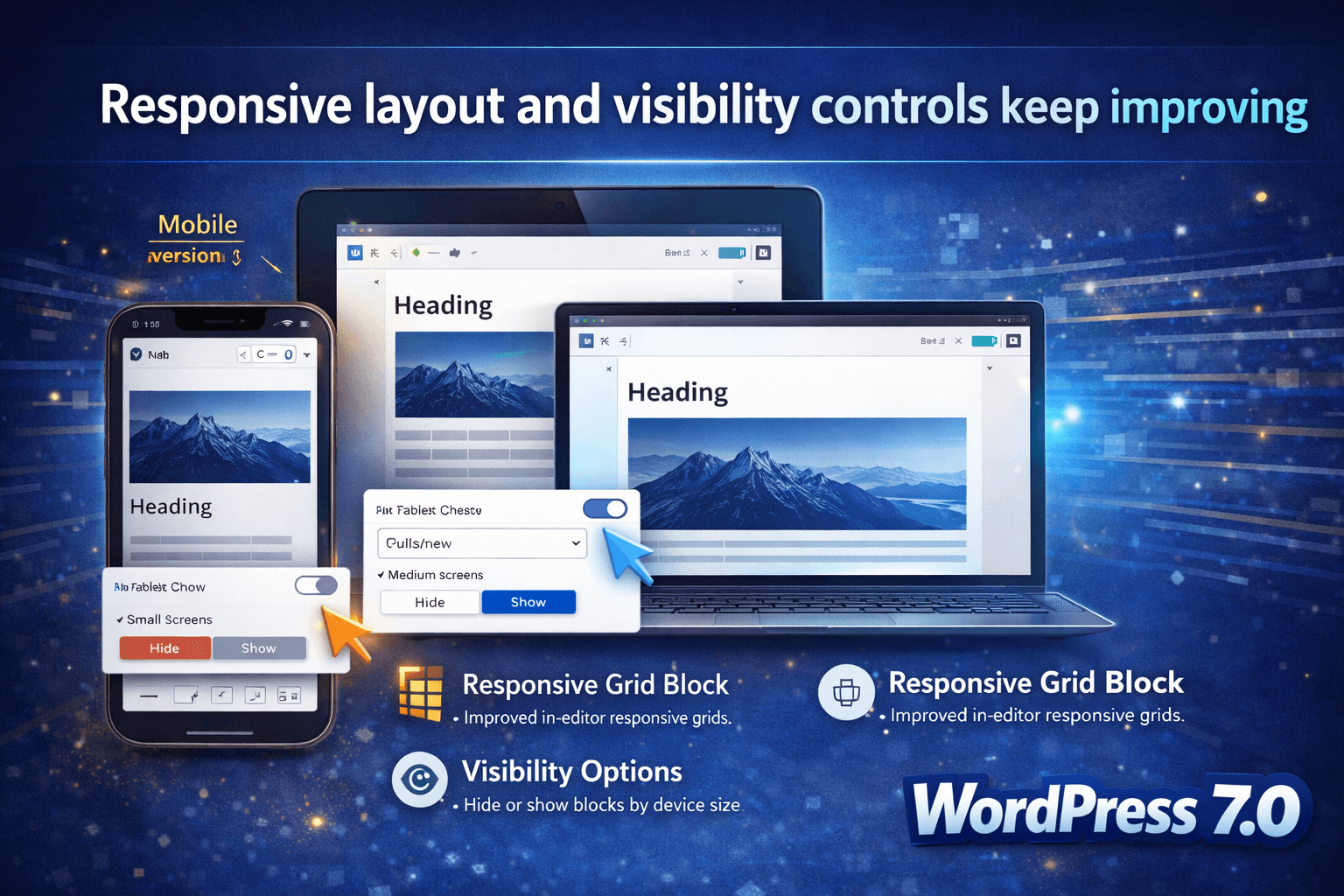
WordPress 7.0 continues the move toward more responsive design controls inside the editor itself. Beta 1 called out viewport-based controls that let users hide or reveal blocks based on screen size, while Gutenberg updates feeding into 7.0 also brought a more responsive Grid block. In practice, this means content creators can make better mobile decisions without always reaching for custom CSS or theme hacks.
That is a meaningful shift. Responsive design in WordPress has long depended on theme behavior, page builder logic, or manual CSS. Giving users more native layout and visibility control is exactly the kind of improvement that makes WordPress feel more modern without forcing everyone into a heavyweight site-building stack.
You should still review output carefully. Device-specific visibility can create content governance issues if teams hide important blocks unintentionally. Responsive grids can also expose awkward legacy content structures. This is another reason staging matters before major updates. For performance-minded site owners, WP Fix It’s guide on How to Improve WordPress Website Speed and Performance pairs well with these new design features because layout flexibility is only helpful if the final experience stays fast.
6. Admin polish gives wp-admin a fresher feel
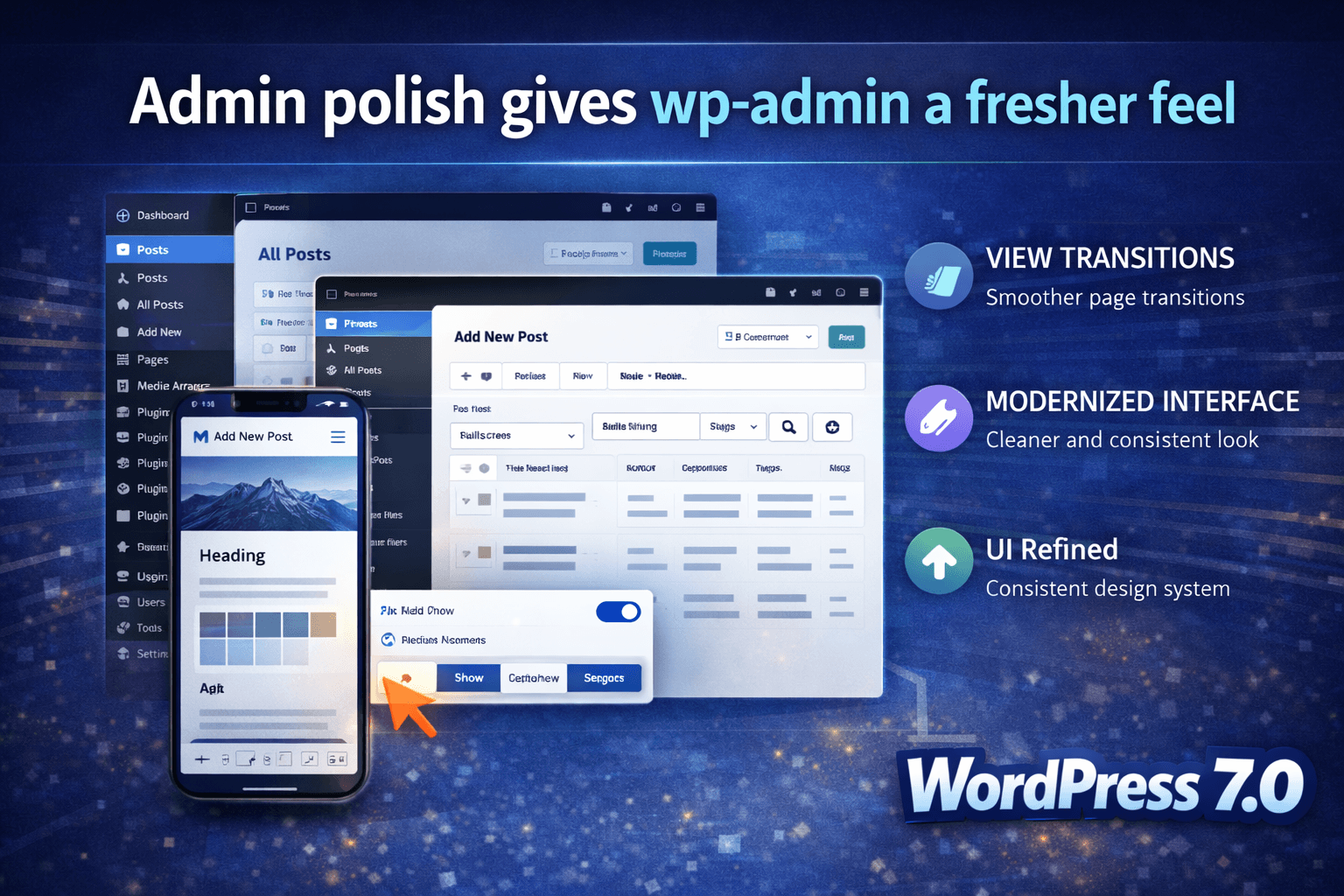
WordPress 7.0 is also bringing a visual refresh to the admin interface. According to the official testing notes, the goal is to modernize wp-admin, improve consistency with the block editor design system, and enhance overall usability. WordPress also described this update as primarily visual polish rather than a major functional overhaul.
That may sound modest, but it is important. A cleaner, more consistent admin can reduce friction for everyday users, especially on sites where editors and administrators spend hours each week in the dashboard. Combined with view transitions and broader editor modernization, WordPress 7.0 pushes the platform toward a more unified feel.
This is also where plugin compatibility testing matters. Even style-only admin changes can surface layout problems in older plugins or heavily customized dashboards. If you support client sites, this is exactly the kind of release where a WordPress site repair and fix service becomes valuable when an update exposes buried compatibility problems.
7. AI infrastructure lands in Core
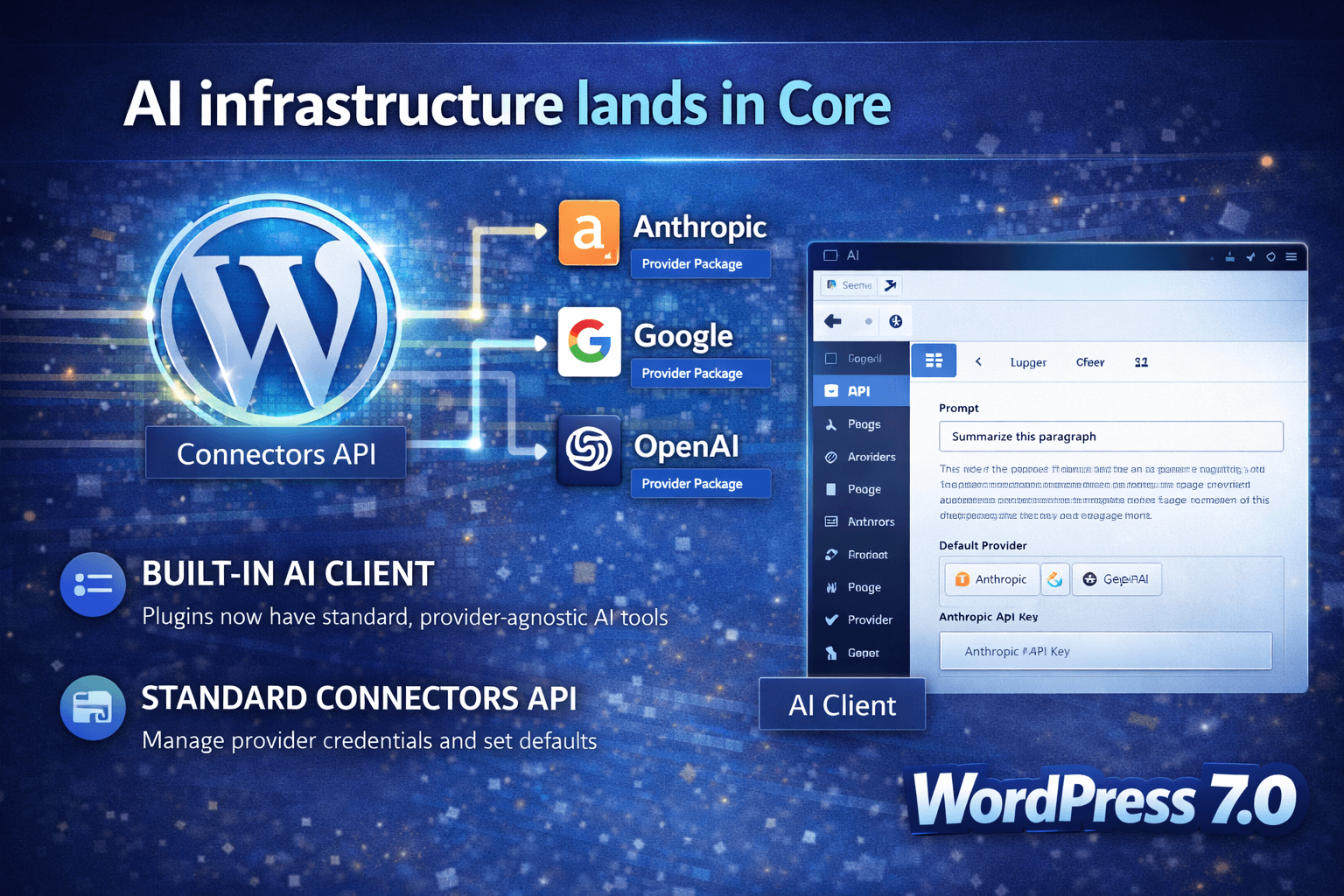
One of the more future-facing WordPress 7.0 Features is not a flashy front-end widget. It is infrastructure. WordPress 7.0 introduces a built-in AI Client and a Connectors API, giving developers a standardized way to work with AI providers and manage credentials through WordPress. The Connectors API handles external service connections, with an initial focus on AI providers, and the AI Client gives plugins a provider-agnostic way to send prompts and receive results through a consistent interface.
WordPress also says three initial provider packages are available for Anthropic, Google, and OpenAI, and that provider credentials can be managed through the new Settings > Connectors screen. That does not mean every WordPress user suddenly needs AI on their site. It does mean Core is laying down a standardized platform layer so plugin developers are not all reinventing AI integrations in incompatible ways.
For developers, this is big. For agencies, it is strategically important. For site owners, it means the AI features you see in plugins later may be built on more consistent infrastructure. And for anyone worried about a chaotic plugin landscape, that consistency is a good sign.
8. The Client-Side Abilities API points to a more capable WordPress app layer
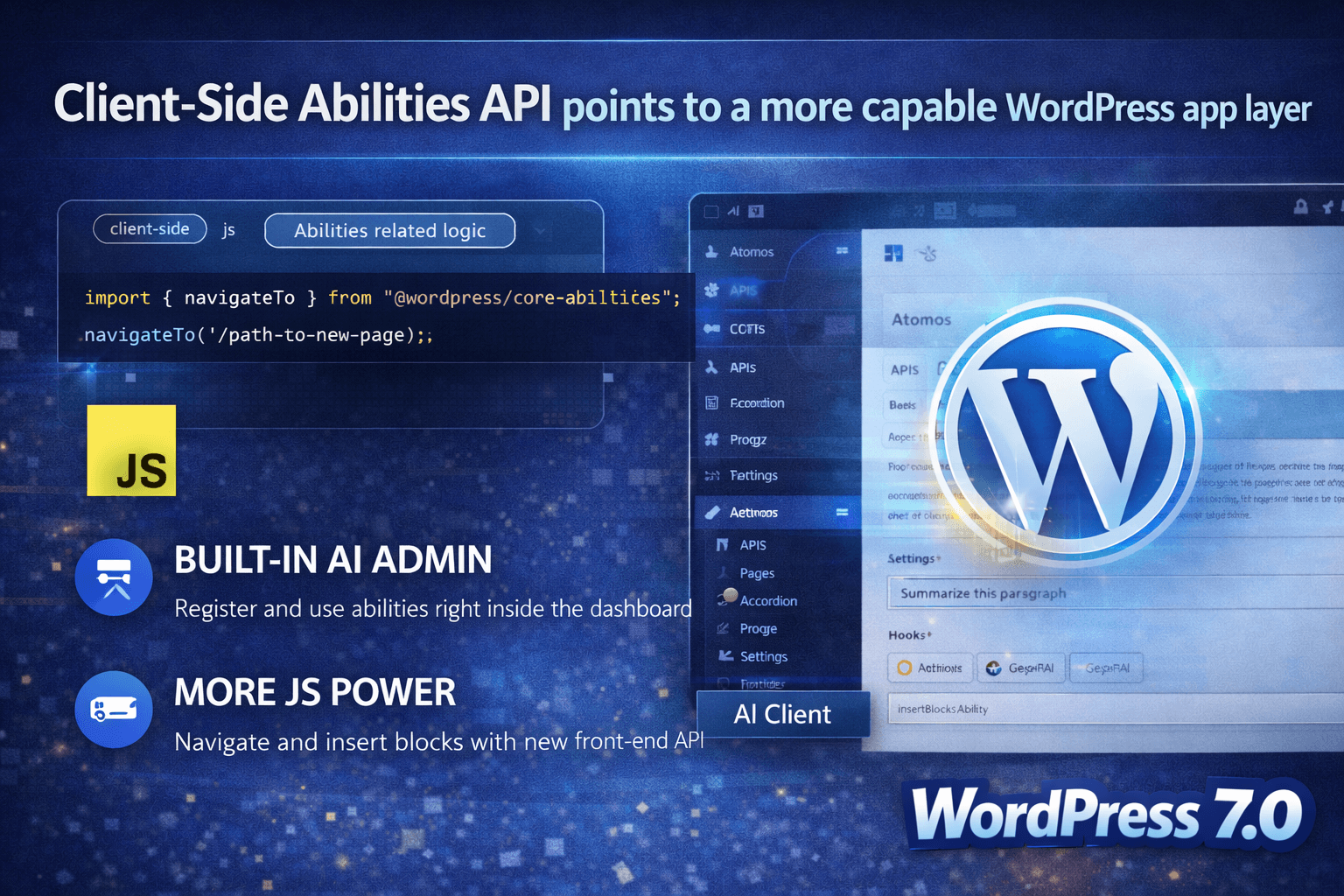
Another developer-focused addition is the Client-Side Abilities API. WordPress explains that this expands earlier work by providing a JavaScript-side API for capabilities like navigating or inserting blocks. Core also notes that @wordpress/core-abilities is enqueued across admin pages, making server-registered abilities available by default in the admin.
This may not be a feature that ordinary site owners ask for by name, but it supports richer, more consistent workflows inside the admin and across future plugin experiences. Releases like this often matter most a year later, once the ecosystem catches up and starts using the new foundation.
9. Some features changed during the release cycle
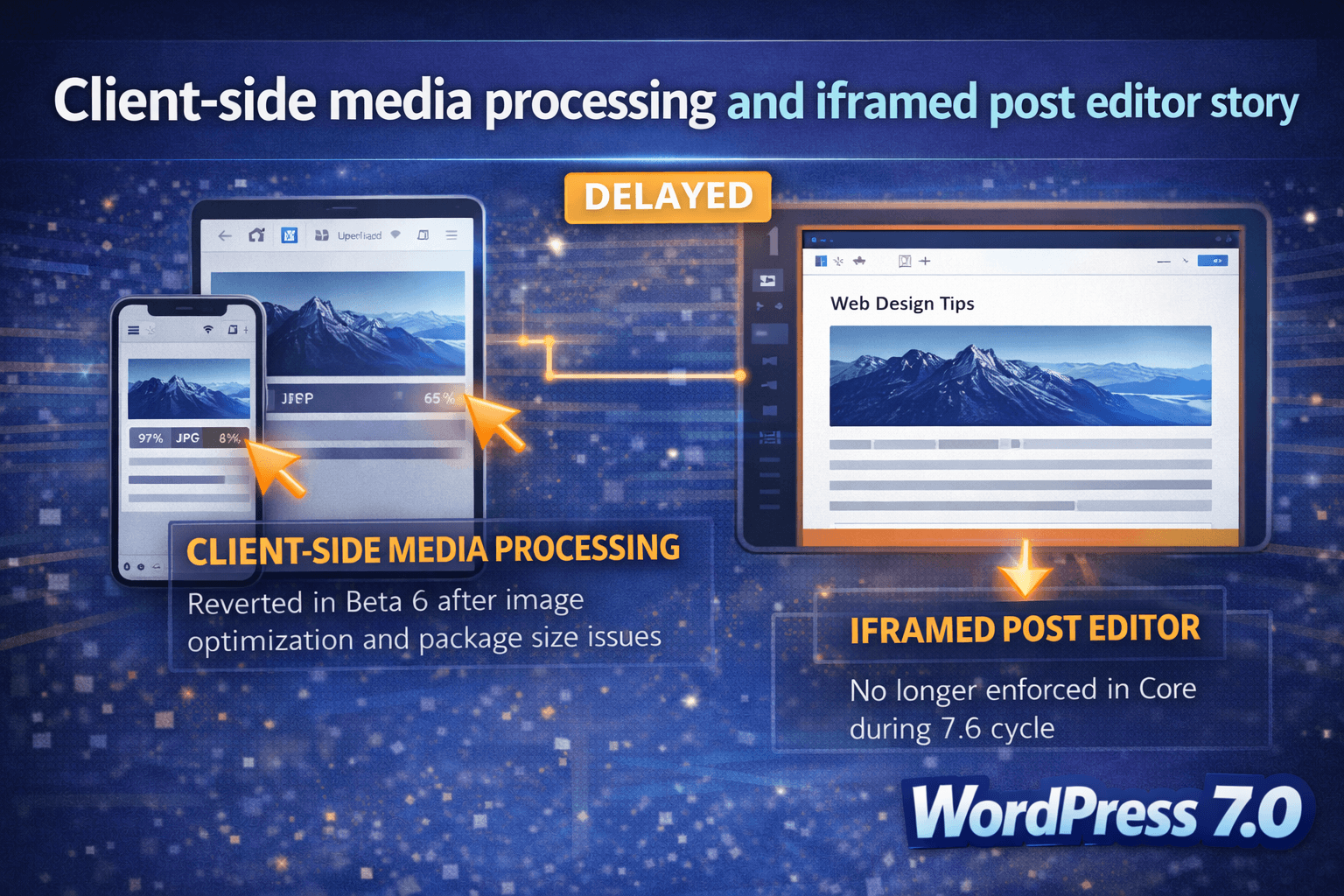
A smart WordPress 7.0 Features article should not pretend every Beta 1 highlight is shipping exactly as first described. The release evolved. One clear example is client-side media processing. Early 7.0 materials highlighted browser-based media processing, support for advanced formats, and smoother uploads. But Beta 6 explicitly says the feature was reverted in that build because issues were identified with image optimization and package size.
The same goes for the iframed post editor story. Early developer coverage suggested broader iframe behavior, but the official dev note later clarified that WordPress 7.0 would not fully enforce iframe use in the post editor and that the timeline had been revised for a more gradual rollout.
This is exactly why site owners should read current release notes instead of relying on outdated summaries. In fast-moving release cycles, “coming to 7.0” can become “changed in 7.0” or “not ready yet.”
How to prepare your site for WordPress 7.0
The best preparation plan is boring, and that is a good thing.
First, use staging. WP Fix It repeatedly recommends staging before major updates, and that advice is especially relevant here because WordPress 7.0 includes editor changes, admin visual changes, and under-the-hood API shifts. Why You Must Keep WordPress Core, Plugins, and Themes Updated and Auto-Update Broke the Site Overnight: Safe Rollback + Prevention are both useful internal reads if you want a practical update workflow.
Second, back up everything before testing or updating production. Core updates are usually smooth, but “usually” is not a rollback plan. A current backup of files and database is mandatory, especially if your stack includes WooCommerce, page builders, custom code, or older plugins. WP Fix It’s WordPress Care Plans are relevant here because they include daily software updates, backups, monitoring, and broader maintenance support.
Third, test plugin and theme compatibility in the admin, not just on the front end. WordPress 7.0 touches areas that can expose problems in wp-admin, navigation tooling, block behavior, and editorial workflows. If a site depends on multiple plugins from different authors, the odds of a styling or logic conflict go up.
Fourth, keep your expectations current. As of April 9, 2026, the final release was delayed. So the best approach is to track the active release cycle, test against the latest official builds, and avoid publishing advice that assumes the final package already shipped.
WordPress 7.0 Release Date
WordPress 7.0 does not have a finalized release date yet. It was originally scheduled for April 9, 2026, but the WordPress Core team delayed the launch to allow more time for testing—especially around the new real-time collaboration feature. As of now, it remains in the extended release cycle, with a final version expected later in 2026 once stability and performance meet release standards.
Final thoughts on WordPress 7.0 Features
The biggest takeaway from WordPress 7.0 Features is not just that WordPress is adding more. It is that WordPress is maturing in several directions at once. Collaboration is improving. Editorial review is improving. block-based design flexibility is improving. Admin polish is improving. Developer infrastructure is improving. And AI-related capabilities are moving from plugin experimentation toward platform-level standards.
That does not mean every feature will arrive exactly as first announced, and it does not mean every site should update on day one. But it does mean WordPress 7.0 is a release worth paying attention to.
For site owners, the right mindset is preparation over panic. For developers, it is test early and follow the dev notes. For agencies, it is an opportunity to modernize client workflows while tightening update procedures. And for anyone running business-critical sites, now is the time to strengthen your maintenance process before WordPress 7.0 lands in final form.