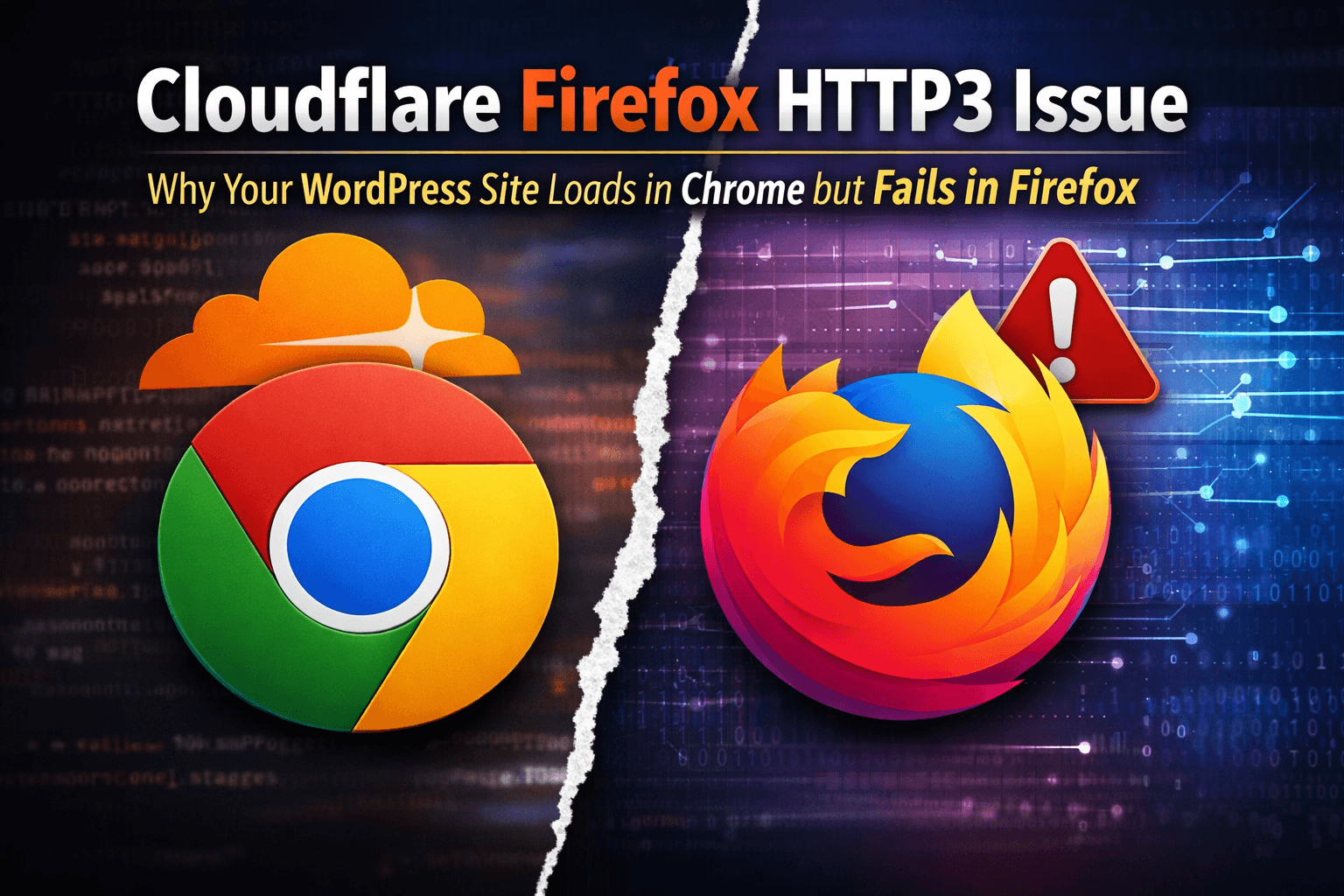

If you are dealing with a Cloudflare Firefox HTTP3 issue, you are not alone. It can be one of the most frustrating website problems to diagnose because everything looks normal at first. Your WordPress site may load instantly in Chrome, your DNS records may be correct, Cloudflare may appear healthy, and the server may not show any obvious warning signs. But then Firefox struggles, stalls, partially loads the page, or refuses to fully load some assets.
That exact situation can send you in circles.
At first, you may think the issue is inside WordPress. Then you may blame a plugin. Then you may suspect Cloudflare security, your DNS records, browser caching, SSL, a firewall rule, or a random Firefox bug. The problem is that a Cloudflare Firefox HTTP3 issue can mimic several different problems at the same time, which makes it harder to isolate than a normal website error.
What makes it even worse is this: sometimes nothing changed on the website.
You may not have changed your theme. You may not have added a plugin. You may not have edited Cloudflare rules. You may not have touched the hosting environment. And yet Firefox starts behaving differently while Chrome keeps working perfectly. That is exactly why this issue deserves a clear write-up, especially for WordPress site owners and support teams who need to solve browser-specific performance problems quickly.
In this article, we are going to walk through what a Cloudflare Firefox HTTP3 issue looks like, why it is so misleading, what signs helped identify the real cause, how to test for it correctly, and what fix restored normal loading in Firefox on a WordPress website behind Cloudflare.
The goal here is not to make sweeping claims about every website on the internet. The goal is to document a real-world troubleshooting path that can save you time if your WordPress website works in Chrome but fails, hangs, or loads inconsistently in Firefox.
The Symptoms of a Cloudflare Firefox HTTP3 Issue
The first sign is usually simple and maddening at the same time: the website works in Chrome but not in Firefox.
That sounds almost too vague to be helpful, but once you see the pattern, it becomes much more meaningful. The browser split is one of the biggest clues you will get.
Here are the kinds of symptoms that can point to a Cloudflare Firefox HTTP3 issue:
- WordPress pages load instantly in Chrome but take forever in Firefox
- Some pages partially load in Firefox but never finish
- Static assets like images, fonts, or CSS files stall or hang in Firefox
- A direct image URL may load in Chrome but drag or fail in Firefox
- Firefox Developer Tools may show
NS_BINDING_ABORTED - Cloudflare is enabled and proxying traffic
- DNS looks fine
- The site may appear healthy in every browser except Firefox
At first glance, those symptoms do not appear to have a single cause. They can look like:
- a bad plugin
- a caching issue
- a WordPress problem
- a Cloudflare firewall problem
- a certificate issue
- or a browser quirk
That is what makes this issue so deceptive. You can waste hours investigating the wrong layer because the visible symptoms are scattered across the stack.
In some cases, the login page may show a Cloudflare challenge problem while the rest of the site has broader loading issues. In other cases, images or fonts may seem broken even though the files themselves are completely fine. The deeper truth is that many of those failures are not independent problems. They are symptoms of Firefox struggling with the page load at a more foundational level.
Why This Problem Is So Easy to Misdiagnose
A Cloudflare Firefox HTTP3 issue is especially easy to misdiagnose because it can create noise all over the browser’s network log.
One of the most confusing clues is NS_BINDING_ABORTED in Firefox. If you open Developer Tools and watch requests fail or abort, it can look like every image, font, or script on the site is broken. That naturally pushes you toward the wrong conclusion. You start thinking the assets are corrupt, the CDN is misconfigured, or DNS is unstable.
In reality, NS_BINDING_ABORTED is often not the root cause. It generally means the browser canceled the request before it finished. That can happen because the page state changed, a request was interrupted, or the browser abandoned part of the load sequence after something earlier went wrong.
That is why you should treat NS_BINDING_ABORTED as a symptom, not the diagnosis.
This problem can also become more confusing when Cloudflare is involved. If you pause Cloudflare as a test, you may expose a separate origin certificate issue that was hidden while Cloudflare was proxying the site. Suddenly Firefox shows a certificate warning, and now it looks like SSL is the main issue. But that may be a secondary problem, not the original browser-specific loading problem.
The same thing can happen with Cloudflare Managed Challenge. If a protected login page misbehaves in Firefox, it is easy to assume the challenge itself is the entire story. But a Managed Challenge issue on one path does not explain why a plain image URL also hangs in Firefox while loading instantly in Chrome.
That is why the broader symptom matters so much. If the issue affects both full pages and direct static files in Firefox, but not in Chrome, you are probably dealing with something more fundamental than a normal WordPress page bug.
Why HTTP3 Can Be the Real Problem
This is where the investigation gets more interesting.
HTTP3 is designed to improve web performance. In many cases, it does exactly that. But newer protocol layers can also introduce browser-specific edge cases, path differences, or negotiation problems that do not show up equally in every browser.
That means a Cloudflare Firefox HTTP3 issue can happen even if your website code did not change at all.
Your theme can be the same. Your plugins can be the same. Your DNS records can be the same. Your content can be the same. But if the way Firefox negotiates or handles the connection differs from Chrome in a way that creates trouble, the site can feel broken in one browser and perfect in another.
This is why some site owners get so frustrated. It feels irrational. “Nothing changed” seems like it should rule out the site. But the website is not the only moving part. The browser is a moving part. Cloudflare is a moving part. The connection path is a moving part. A browser-specific protocol issue can appear without a WordPress update ever being involved.
In our case, disabling HTTP3 in Cloudflare fixed the site-wide Firefox loading problem. That was the turning point. It told us the general issue was not random plugin output, not a broken PNG file, not a bad font, and not a simple WordPress rendering problem.
It was a browser-edge protocol issue.
That does not mean every Firefox problem behind Cloudflare is caused by HTTP3. It means HTTP3 deserves to be tested early when the symptoms match this pattern.
What the Troubleshooting Path Looked Like
The path to identifying a Cloudflare Firefox HTTP3 issue was not direct.
It started with user-visible symptoms. The site loaded normally in Chrome, but Firefox was inconsistent and unreliable. Some pages loaded slowly. Some images hung. A protected path involving a challenge page behaved especially badly. Looking at network logs showed a mixture of requests, aborted loads, and challenge-related behavior.
At first, Cloudflare security looked like the likely culprit. A 403 challenge on one path suggested that Cloudflare might be blocking or interrupting something in Firefox. But that theory fell apart when a direct image file on the site also loaded poorly in Firefox while opening instantly in Chrome.
That image test was important because it simplified the problem. If a direct image URL hangs in Firefox, then the issue is probably not page-builder JavaScript or a template-level bug. That points you away from WordPress rendering and toward the connection layer.
Next came Cloudflare SSL mode. The site had been using Flexible, which is not a strong long-term setup. Changing to Full was the right move and fixed one layer of the configuration. That helped, but it did not eliminate the Firefox issue.
Then came the key test: disabling HTTP3 in Cloudflare.
Once HTTP3 was turned off, the general Firefox loading issues across the site disappeared. Pages and assets that had been stalling began loading normally again. That was the moment the problem became clear.
The site-wide issue was a Cloudflare Firefox HTTP3 issue.
There was still a separate issue on a login-related page using Managed Challenge, but that became a narrower secondary issue. The broad browser-wide loading problem had already been solved.
How to Tell Whether Your WordPress Site Has a Cloudflare Firefox HTTP3 Issue
If you think your site may have a Cloudflare Firefox HTTP3 issue, the best approach is to simplify your testing and look for the most reliable clues.
Start with the obvious:
- Does the site load normally in Chrome?
- Does the same URL struggle in Firefox?
Then test a direct static asset:
- Open a direct image file from your uploads folder
- Compare load behavior between browsers
If the page and the direct asset are both fine in Chrome but not in Firefox, you are likely not dealing with a normal page-template issue.
After that, check the basics:
- Make sure Cloudflare is proxying the relevant hostnames
- Make sure your SSL mode is not Flexible
- Confirm the issue is reproducible
Then run the most important test:
- Disable HTTP3 in Cloudflare
- Retest the same pages and direct assets in Firefox
If the site immediately starts behaving normally in Firefox, that is strong evidence that you are dealing with a Cloudflare Firefox HTTP3 issue.
One reason this test is so valuable is that it changes one variable with a site-wide effect. That gives you a much clearer answer than tweaking browser cache, random plugin settings, or individual pages one at a time.
Why the Managed Challenge Problem May Still Exist
One thing that can confuse people after they fix a Cloudflare Firefox HTTP3 issue is that one protected page may still fail. That can make it look like HTTP3 was never the issue. But that is not necessarily true.
In our case, disabling HTTP3 fixed the site-wide load issues in Firefox. However, the login-related page that used Cloudflare Managed Challenge still had trouble. That is because the challenge flow itself is a separate layer of behavior.
Challenge pages can be affected by:
- browser privacy protections
- browser extensions
- challenge scripts
- verification calls
- cookies or storage behavior
- browser-specific quirks in the challenge flow
So if a protected page continues to misbehave after the rest of the site works normally, that does not erase the original fix. It simply means there is another compatibility issue on top of the broader protocol issue.
This distinction matters because it keeps you from undoing the right fix just because a second problem still exists.
What WordPress Site Owners Should Do First
If your WordPress website is showing signs of a Cloudflare Firefox HTTP3 issue, here is the most practical order of operations.
First, verify the browser split. Make sure Chrome is working and Firefox is the one struggling.
Second, test both a normal page and a direct static asset. This helps you determine whether the issue is really page-specific or more fundamental.
Third, confirm Cloudflare is proxying the relevant hostnames, including www and any asset-related subdomains.
Fourth, make sure your SSL mode is set correctly. If you are using Flexible, fix that first.
Fifth, disable HTTP3 in Cloudflare and retest Firefox. Do not make five other changes at the same time. Let that test stand on its own.
Sixth, if the site-wide issue is resolved but one protected path still fails, handle that as a separate Cloudflare challenge or access-control issue.
That process is important because it prevents you from blending together different problems and coming away with the wrong conclusion.
Why This Is a Strong Topic for a WordPress Support Blog
A Cloudflare Firefox HTTP3 issue makes a strong blog topic because it aligns with how real users search for help.
Most people are not searching for an academic explanation of protocol negotiation. They are searching for symptom-based solutions. They search things like:
- website works in Chrome but not Firefox
- WordPress site not loading in Firefox
- Cloudflare Firefox loading problem
- NS_BINDING_ABORTED Firefox website
- Firefox hangs on one website only
- Cloudflare HTTP3 Firefox issue
That makes this the kind of content that can attract highly relevant traffic. People who search those terms are usually in active troubleshooting mode, which means they are motivated, paying attention, and likely to appreciate a clear explanation from a support company that has actually solved the issue.
The key is to present it honestly.
Do not overstate it as a universal problem affecting all WordPress websites. Do not claim that Cloudflare suddenly broke Firefox everywhere unless you have hard evidence for that. Instead, position it as a real support case where disabling HTTP3 in Cloudflare fixed a WordPress site that worked in Chrome but failed in Firefox.
That framing is accurate, useful, and trustworthy.
The Importance of Explaining NS_BINDING_ABORTED Correctly
If you write about a Cloudflare Firefox HTTP3 issue, one of the most helpful things you can do is explain NS_BINDING_ABORTED clearly.
A lot of technical articles mention the error but do not explain what it means in practical terms. Users see it repeated across requests and naturally assume every resource is broken. That can send them down the wrong path for hours.
A clearer explanation is this:
NS_BINDING_ABORTED usually means Firefox canceled the request before it completed. It does not automatically mean the file is bad, DNS is broken, or the server rejected the request. It often shows up when Firefox tears down in-flight requests because something earlier in the page load destabilized the connection or document state.
That is an important distinction because it changes the troubleshooting mindset. Instead of hunting down every aborted asset individually, you focus on the first thing that is making the page load go sideways.
In cases like this, HTTP3 can be that trigger.
Should You Leave HTTP3 Disabled?
If disabling HTTP3 fixes a major browser compatibility problem for real users, then leaving it off is a reasonable production decision.
That may not sound glamorous, but website stability matters more than chasing the newest protocol feature. If a setting is causing visible problems in one browser, it is not helping your visitors. There is no prize for keeping a feature enabled if it degrades the user experience.
That does not mean you can never test it again. You can revisit it later. You can monitor whether browser behavior changes. You can retest after other platform changes. But if disabling HTTP3 restores normal cross-browser performance, there is nothing wrong with treating that as the correct setting for your site right now.
The most important thing is to be practical.
The Bigger Lesson: Not Every WordPress Problem Starts in WordPress
One of the biggest lessons from a Cloudflare Firefox HTTP3 issue is that not every WordPress support case starts inside WordPress.
That can be hard to remember because WordPress is often the visible application layer. When something breaks on a WordPress website, the first instinct is to inspect themes, plugins, caching, or templates. And sometimes that is correct.
But browser-specific failures often live in the layers around WordPress:
- Cloudflare
- DNS
- SSL
- protocol negotiation
- browser privacy behavior
- challenge systems
- edge configuration
That is why support teams need to think across layers. If a site is fine in Chrome but not in Firefox, the answer may not be in the content management system at all. It may be in the way the browser and the edge are talking to each other.
That broader perspective is what helps solve the problem faster.
Final Takeaway
If your WordPress website works in Chrome but hangs, stalls, or loads inconsistently in Firefox, and the site is behind Cloudflare, do not ignore the possibility of a Cloudflare Firefox HTTP3 issue.
This problem is easy to misread. It can look like a WordPress problem, a DNS problem, a challenge problem, or a certificate problem. It can create confusing network errors like NS_BINDING_ABORTED. It can tempt you into changing the wrong settings. And because it may appear suddenly, even when you did not update the site, it can feel especially irrational.
But if the symptoms fit the pattern, one of the smartest tests you can run is to disable HTTP3 in Cloudflare and compare the results in Firefox.
In our case, that was the fix that restored site-wide loading in Firefox.
That is the practical takeaway:
- If Chrome works and Firefox does not
- If direct static assets hang in Firefox
- If your site is behind Cloudflare
- If network logs show aborted requests without a clear WordPress cause
Then test HTTP3 early.
It may save you from hours of chasing the wrong explanation.
And if one protected page still fails after that, handle it as a second issue rather than proof that the HTTP3 fix did not matter. Separating those layers is what turns a frustrating mystery into a solvable support case.
Conclusion
A Cloudflare Firefox HTTP3 issue is one of those problems that can seem impossible to pin down until you stop looking only at WordPress and start looking at the browser-edge relationship. That is the real lesson.
The site itself may not be the source of the issue. The DNS records may not be wrong. The assets may not be broken. Firefox may simply be interacting badly with the way the site is being delivered through Cloudflare over HTTP3.
Once you identify that pattern, the solution becomes much simpler.
For us, disabling HTTP3 in Cloudflare restored normal site-wide behavior in Firefox. That did not automatically solve every protected path or challenge-related flow, but it eliminated the broader browser loading issue and made the remaining problem much easier to isolate.
If you are dealing with the same pattern on a WordPress website, start there.
Test Chrome against Firefox. Test direct assets. Confirm Cloudflare proxy status. Fix SSL mode if needed. Then disable HTTP3 and retest before you spend another hour chasing plugin conflicts or random asset errors.
That single test may be the thing that finally makes the whole issue make sense.
Suggested excerpt
A Cloudflare Firefox HTTP3 issue can make a WordPress site work perfectly in Chrome while hanging or failing in Firefox. Here is how we identified the real cause, why Firefox showed misleading aborted requests, and the Cloudflare setting that fixed the site-wide loading issue.
Optional FAQ Section
What is a Cloudflare Firefox HTTP3 issue?
A Cloudflare Firefox HTTP3 issue is a browser-specific loading problem where a website behind Cloudflare works normally in Chrome but hangs, stalls, or loads inconsistently in Firefox until HTTP3 is disabled.
Why does my WordPress site work in Chrome but not Firefox?
If your site is behind Cloudflare, the problem may be unrelated to WordPress itself. A browser-edge compatibility issue involving HTTP3 can affect Firefox differently than Chrome.
Does NS_BINDING_ABORTED mean DNS is broken?
Not usually. In many cases, NS_BINDING_ABORTED means Firefox canceled a request before it finished. It is often a symptom of a broader page load problem rather than the root cause.
Should I disable HTTP3 in Cloudflare?
If your website has a browser-specific loading problem in Firefox and disabling HTTP3 fixes it, then yes, it can be a practical and valid solution.
Is this always caused by WordPress?
No. A Cloudflare Firefox HTTP3 issue often sits outside WordPress and involves the browser, Cloudflare, or the connection path more than the CMS itself.
How to Disable HTTP3 in Cloudflare or Firefox for Testing
If your WordPress site works in Chrome but stalls or fails in Firefox, test HTTP3 before changing plugins, themes, or individual files. The cleanest first test is usually at the Cloudflare level because it changes the protocol for visitors reaching the proxied hostname.
- Open the Cloudflare dashboard for the affected domain.
- Find the HTTP3 setting in the network or connection settings.
- Turn HTTP3 off temporarily, then save the change.
- Retest the same Firefox page and a direct static asset, such as an image from the WordPress uploads directory.
Use the same URLs during each test and avoid changing several Cloudflare settings at once. If pages and assets begin loading normally after HTTP3 is disabled, that is strong evidence of a protocol compatibility problem involving the browser, Cloudflare, or the connection path. It does not prove that WordPress code or the asset itself was defective.
You can also test Firefox without HTTP3 locally. In Firefox, enter about:config in the address bar, accept the warning, search for network.http.http3.enabled, and set the preference to false. Restart or reload Firefox and repeat the test. This browser-only test is useful for separating a Firefox HTTP3 problem from a Cloudflare configuration problem. Restore the preference afterward if you do not want HTTP3 disabled generally.
If disabling HTTP3 does not help, check whether the problem affects every page or only a protected path. A Managed Challenge, extension, privacy setting, blocked cookie, or challenge script can cause a login page to fail even after ordinary pages and assets work. Also review the Firefox Network panel: NS_BINDING_ABORTED describes a canceled request and is not, by itself, proof that the image, font, DNS, or WordPress file is broken.