
Stay ahead of the curve with expert WordPress tips, practical tutorials, security insights, and the latest industry updates. Whether you’re troubleshooting a website issue, improving performance, or protecting your site from security threats, The WordPress Pulse delivers the knowledge you need to keep your WordPress website running at its best.
Latest WordPress Tips & Insights
WordPress is constantly evolving, and keeping up with the latest developments can make a big difference in your website’s security, functionality, and performance. Explore expert advice, helpful tutorials, and actionable insights designed to help you get more out of your WordPress website.
From new features and plugin recommendations to common mistakes and best practices, we break down complex WordPress topics into straightforward guidance you can actually use.
Fix Elementor Not Loading: The Complete Guide (and When to Hire a Go-To Support Company)

If you’re searching for “fix Elementor not loading”, you’re probably in one of these situations: And the worst part? You can lose hours bouncing between “try this plugin,” “increase memory,” “disable that setting,” and “clear cache again” — without a…
How to Fix “There Has Been a Critical Error on This Website” (WordPress)
You’re minding your business, you update a plugin (or add a snippet), and suddenly your site throws the dreaded message: “There has been a critical error on this website. Please check your site admin email inbox for instructions.” This is…
Conflict Finder – WP Fix It: the fastest (and safest) way to diagnose WordPress plugin, theme, debug, and email issues
If you’ve ever had a WordPress site suddenly start misbehaving—white screen, broken layouts, random “critical error” messages, emails not sending, or a feature that only fails on one specific page—you already know the most frustrating part: It’s not fixing the…
Fixing WordPress Issues Without Losing Your Mind and Why Hiring WP Fix It Is the Fastest Way Back Online
WordPress is the internet’s favorite DIY platform… right up until it isn’t. One minute you’re updating a plugin like a responsible website owner. The next minute your homepage is a blank white screen, your admin won’t load, your forms stop…
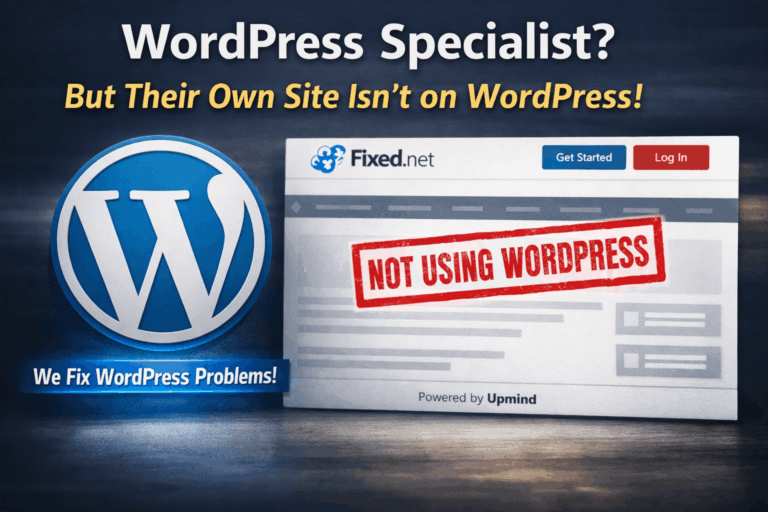
When a “WordPress Specialist” Doesn’t Use WordPress: What Fixed.net’s Own Site Signals to Buyers
If you’re shopping for WordPress support, you’re usually looking for two things: proven competence and trustworthy alignment. Competence is the ability to diagnose plugin conflicts, fix white screens, clean malware, restore sites, migrate servers, and keep everything stable through updates.…
How to Build an AI-Powered WordPress Site Without Code
An “AI-powered WordPress site” isn’t just a website that publishes AI-written blog posts. The best no-code AI sites use AI to speed up publishing, improve SEO, boost conversions, and support visitors automatically—while still feeling human, trustworthy, and fast. In this…

Conflict Finder – WP Fix It: The Safest Way to Troubleshoot WordPress Plugin, Theme, and Email Issues
WordPress powers more than 40% of the web, but with that flexibility comes complexity. A typical WordPress site may rely on dozens of plugins, a heavily customized theme, third-party integrations, and server-level optimizations. When something breaks—white screens, PHP errors, broken…
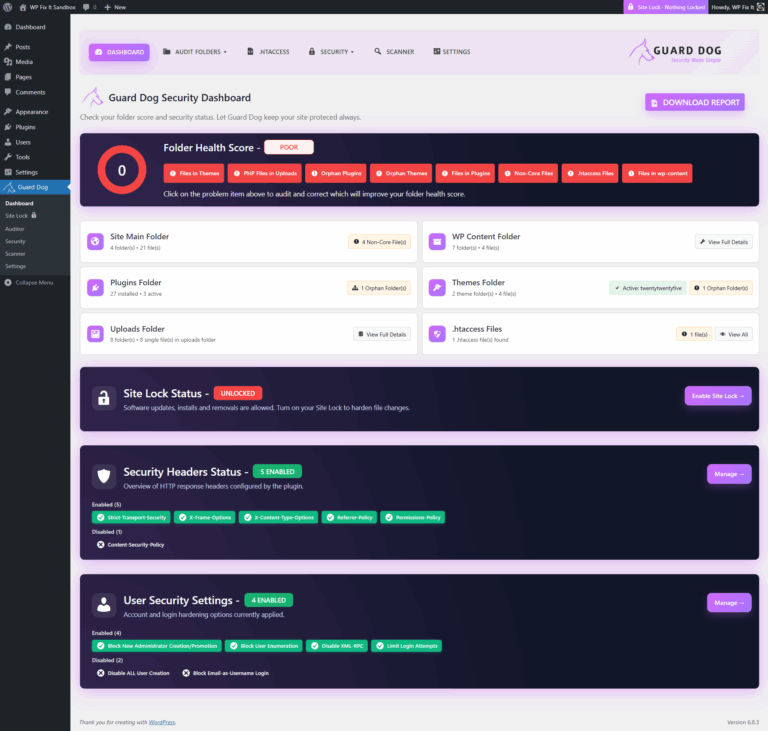
Protect Your WordPress Site from Hidden Threats With Guard Dog Security & Site Lock
If you think your WordPress site is secure just because you use a solid security plugin or keep everything updated, think again. One of the most overlooked attack vectors is the unseen, forgotten, or orphaned folders and files hiding in…
WooCommerce Services Plugin Update Causing Fatal Errors Across WordPress Sites — Here’s How to Fix It
WooCommerce Services Plugin Update Causing Fatal Errors Across WordPress Sites — Here’s How to Fix It A recent update to the WooCommerce Services plugin has triggered a widespread fatal error, taking down thousands of WordPress sites. If you’ve landed on…
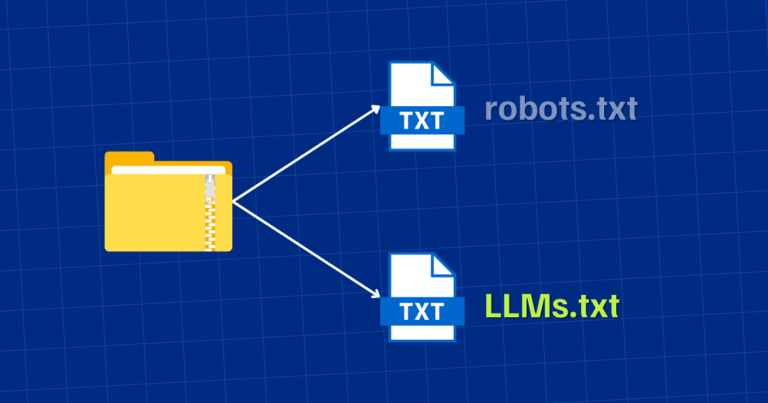
The Complete Guide to Using llms.txt and robots.txt on Your WordPress Site for AI and Search Crawlers
Introduction As AI-driven search engines, chatbots, and large language models (LLMs) continue to evolve, website owners — especially WordPress users — are entering a new frontier of content discovery and usage.Gone are the days when your only concern was Googlebot…
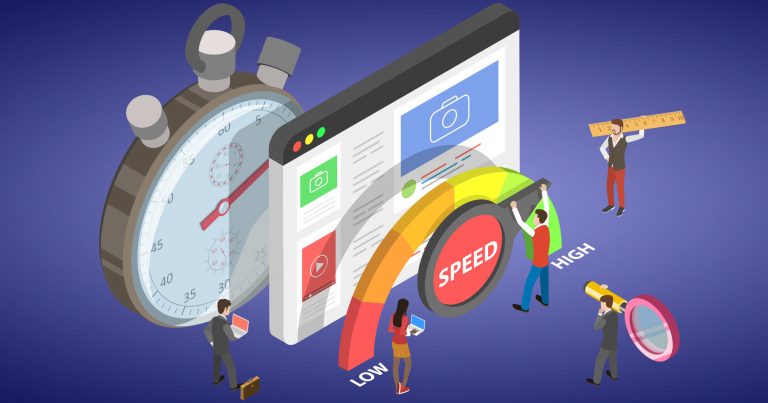
FREE WooCommerce Speed Repair Plugin
Are you dealing with WooCommerce speed issues? WooCommerce is powerful but it loads dozens of scripts and styles even when they are re not needed, which can slow your site down. This plugin gives you an instant performance boost by…

2025’s Most Lightweight WordPress Plugins That Actually Work (Tested on GTMetrix)
WordPress is a powerful platform, but it’s easy to slow down your site with bloated plugins. In 2025, site speed is more important than ever for SEO, conversions, and user experience. So, we put popular plugins to the test using…
WordPress Security & Malware Prevention
Keeping your WordPress website secure is essential for protecting your business, your customers, and your online reputation. Cybersecurity threats, malicious plugins, outdated software, and website vulnerabilities can put your entire online presence at risk.
Discover practical WordPress security tips, malware prevention strategies, website protection recommendations, and expert insights to help safeguard your website against hackers, infections, and unexpected security issues.
WordPress Troubleshooting Guides
WordPress errors can happen when you least expect them. Whether you’re dealing with the white screen of death, plugin conflicts, broken layouts, database connection errors, or unexpected website behavior, finding the right solution quickly matters.
Our WordPress troubleshooting guides help you understand common website problems, identify potential causes, and explore practical solutions. Get expert guidance to resolve issues, minimize downtime, and keep your website functioning smoothly.
Website Speed & Performance
A fast, responsive website creates a better experience for visitors and can support stronger search engine performance. Slow page loading, inefficient plugins, oversized images, and poorly configured hosting environments can all affect your WordPress website’s speed.
Explore WordPress performance optimization tips, caching recommendations, Core Web Vitals insights, and proven strategies for improving website speed, reliability, and overall user experience.
WordPress Maintenance & Best Practices
A healthy WordPress website requires ongoing attention. Regular software updates, reliable backups, security monitoring, and preventative maintenance help reduce unexpected problems and keep your website operating efficiently.
Learn essential WordPress maintenance best practices, discover ways to improve website stability, and understand how proactive website management can help prevent costly issues before they happen.
Expert WordPress Help When You Need It
Sometimes, even the best tutorials aren’t enough to solve a complicated WordPress problem. That’s where WP Fix It comes in.
Our WordPress support experts specialize in troubleshooting, malware removal, website performance, security, and ongoing WordPress maintenance. Whether you’re facing an urgent website issue or looking for long-term peace of mind, we’re here to help you keep your WordPress website secure, reliable, and running smoothly.
Need help with your WordPress website? Get Expert WordPress Support and let our team take care of the technical headaches.
