Stay ahead of the curve with expert WordPress tips, practical tutorials, security insights, and the latest industry updates. Whether you’re troubleshooting a website issue, improving performance, or protecting your site from security threats, The WordPress Pulse delivers the knowledge you need to keep your WordPress website running at its best.
Latest WordPress Tips & Insights
WordPress is constantly evolving, and keeping up with the latest developments can make a big difference in your website’s security, functionality, and performance. Explore expert advice, helpful tutorials, and actionable insights designed to help you get more out of your WordPress website.
From new features and plugin recommendations to common mistakes and best practices, we break down complex WordPress topics into straightforward guidance you can actually use.
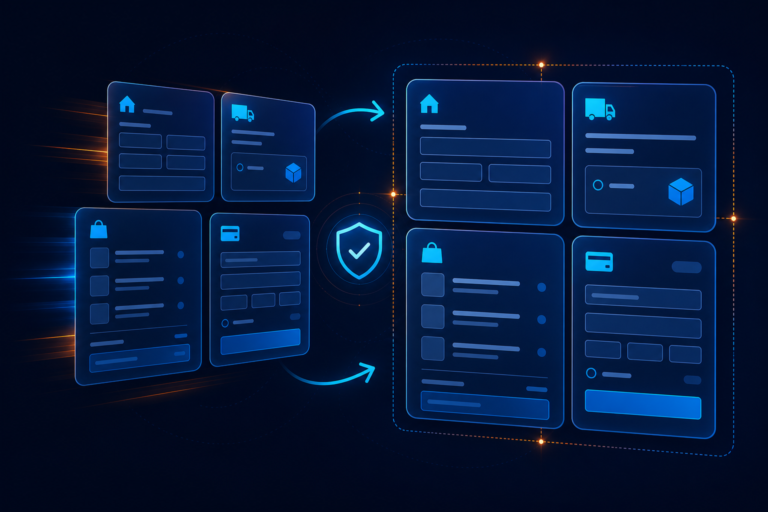
How to Change the WooCommerce Checkout Page: 7 Safe Customization Methods

Learn the safest ways to change the WooCommerce checkout page, from selecting a different page and editing fields to using blocks, templates, CSS, or code. Includes a practical testing checklist for payments, shipping, taxes, and mobile devices.
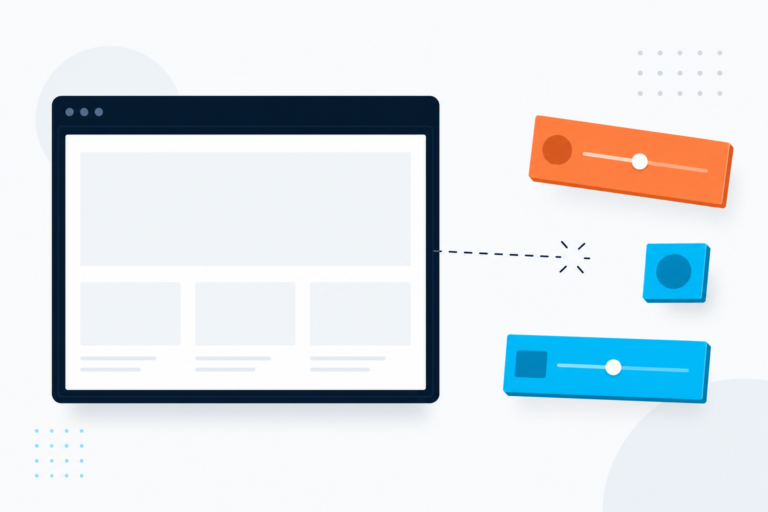
WordPress Customizer Not Working: 7 Safe Fixes for Preview, Saving, and Missing Controls
When the WordPress Customizer is not working, the cause is usually a browser conflict, plugin or theme issue, blocked request, or outdated customization method. This guide shows how to identify the exact failure and fix it safely without losing your design changes.
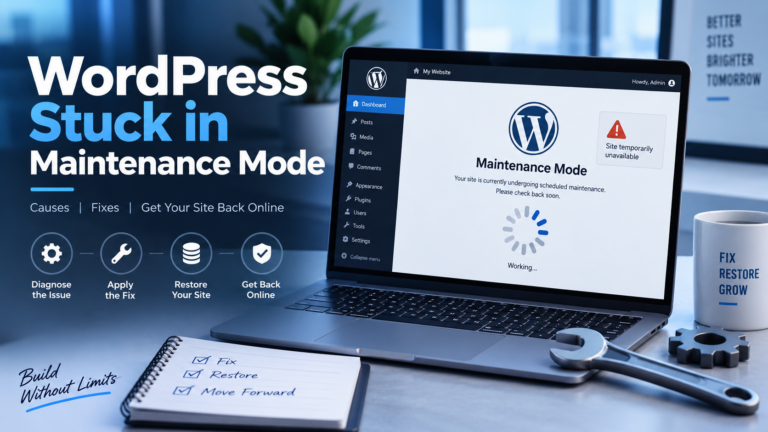
WordPress Stuck in Maintenance Mode After an Update: Safe Recovery
A failed WordPress update can leave your site showing a maintenance message. Follow this safe recovery process to restore access and identify what interrupted the update.
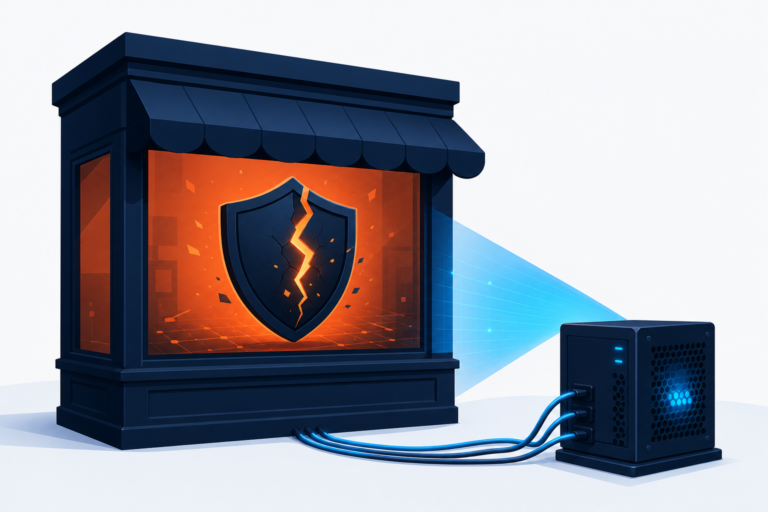
WordPress Site Has Been Hacked? A Safe First-Response Plan
If your WordPress site has been hacked, avoid deleting files at random. This first-response plan shows how to contain the incident, protect accounts, preserve evidence, and decide when professional malware removal is needed.
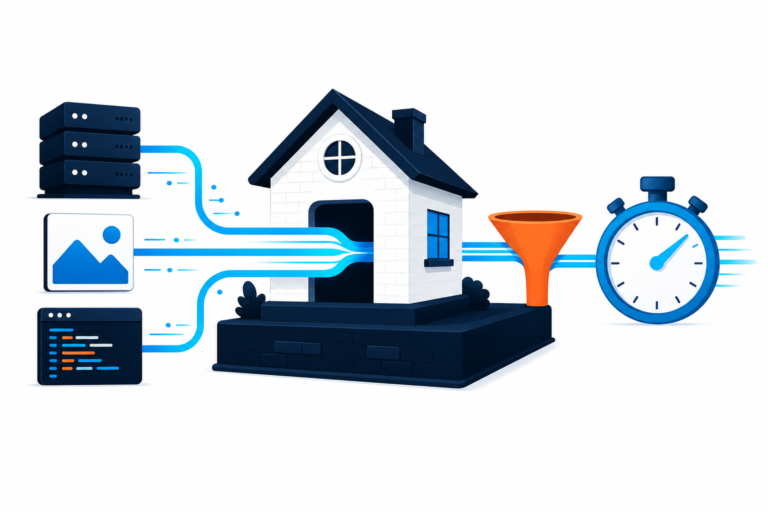
WordPress Speed Optimization: A Safe 7-Step Workflow That Finds the Real Bottleneck
WordPress speed optimization works best when you identify the slowest part of the page before changing plugins or server settings. Use this safe, ordered workflow to measure the problem, isolate its cause, and verify each improvement.
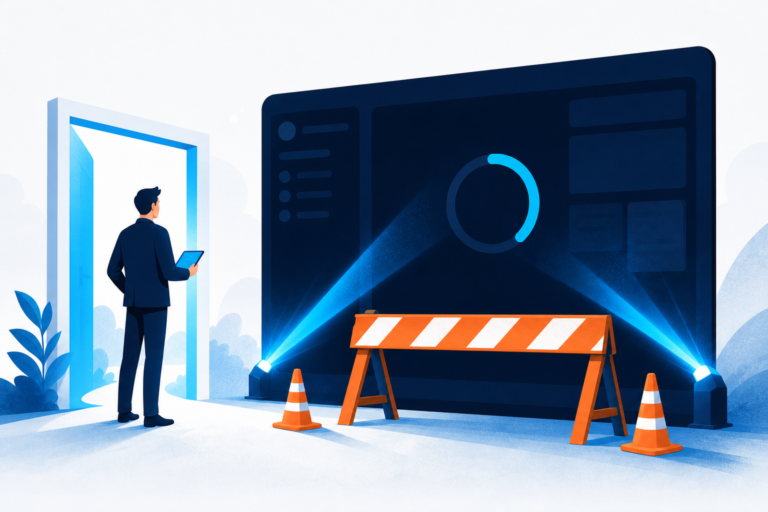
WordPress Dashboard Not Loading: 7 Safe Checks to Find the Cause
If you can reach WordPress login but the dashboard will not open, the cause is usually a plugin conflict, browser session problem, PHP failure, server limit, or damaged database response. This ordered guide helps you identify the symptom first and restore wp-admin without making risky production changes.

Elementor Cache Problem: 7 Safe Ways to Show Your Latest Design
An Elementor cache problem can make a published design look old, broken, or different from the editor. Follow this ordered guide to clear the correct cache layer and verify the live page without deleting site data.

Hreflang and Canonical Conflict: A Safe WordPress Fix
A hreflang and canonical conflict can send search engines contradictory signals about which language or regional URL should be indexed. Learn how to diagnose and correct the issue safely in WordPress.

Fix Broken CSS in WordPress After a Plugin or Theme Update
Did a WordPress update make your layout look unstyled, misaligned, or unusable? Follow this safe troubleshooting process to identify whether cached files, missing stylesheets, a plugin conflict, or a theme change caused the problem.
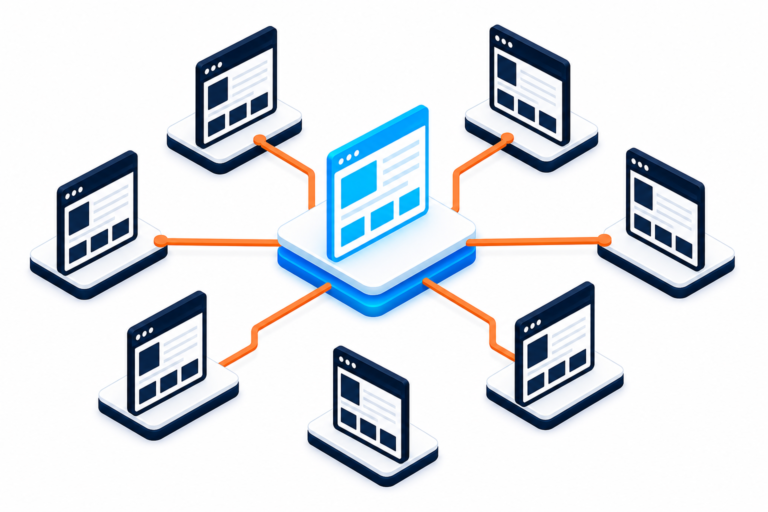
Canonical URL Has No Incoming Internal Links? A Safe WordPress Fix
A canonical URL with no incoming internal links can be a harmless report or a sign that search engines cannot discover your preferred page. Learn how to diagnose and fix it in WordPress without creating duplicate signals.
WordPress Comment Form Not Showing or Not Submitting: Easy Fixes
Is your WordPress comment form missing or refusing to submit? Follow these practical steps to check discussion settings, page templates, plugins, JavaScript, caching, and comment protection.
How to Choose a WordPress Theme Expert: A Safe Vetting Checklist
Hiring a WordPress theme expert involves more than reviewing attractive screenshots. Use this practical checklist to evaluate technical ability, communication, accessibility, and long-term support before work begins.
WordPress Security & Malware Prevention
Keeping your WordPress website secure is essential for protecting your business, your customers, and your online reputation. Cybersecurity threats, malicious plugins, outdated software, and website vulnerabilities can put your entire online presence at risk.
Discover practical WordPress security tips, malware prevention strategies, website protection recommendations, and expert insights to help safeguard your website against hackers, infections, and unexpected security issues.
WordPress Troubleshooting Guides
WordPress errors can happen when you least expect them. Whether you’re dealing with the white screen of death, plugin conflicts, broken layouts, database connection errors, or unexpected website behavior, finding the right solution quickly matters.
Our WordPress troubleshooting guides help you understand common website problems, identify potential causes, and explore practical solutions. Get expert guidance to resolve issues, minimize downtime, and keep your website functioning smoothly.
Website Speed & Performance
A fast, responsive website creates a better experience for visitors and can support stronger search engine performance. Slow page loading, inefficient plugins, oversized images, and poorly configured hosting environments can all affect your WordPress website’s speed.
Explore WordPress performance optimization tips, caching recommendations, Core Web Vitals insights, and proven strategies for improving website speed, reliability, and overall user experience.
WordPress Maintenance & Best Practices
A healthy WordPress website requires ongoing attention. Regular software updates, reliable backups, security monitoring, and preventative maintenance help reduce unexpected problems and keep your website operating efficiently.
Learn essential WordPress maintenance best practices, discover ways to improve website stability, and understand how proactive website management can help prevent costly issues before they happen.
Expert WordPress Help When You Need It
Sometimes, even the best tutorials aren’t enough to solve a complicated WordPress problem. That’s where WP Fix It comes in.
Our WordPress support experts specialize in troubleshooting, malware removal, website performance, security, and ongoing WordPress maintenance. Whether you’re facing an urgent website issue or looking for long-term peace of mind, we’re here to help you keep your WordPress website secure, reliable, and running smoothly.
Need help with your WordPress website? Get Expert WordPress Support and let our team take care of the technical headaches.
