
Stay ahead of the curve with expert WordPress tips, practical tutorials, security insights, and the latest industry updates. Whether you’re troubleshooting a website issue, improving performance, or protecting your site from security threats, The WordPress Pulse delivers the knowledge you need to keep your WordPress website running at its best.
Latest WordPress Tips & Insights
WordPress is constantly evolving, and keeping up with the latest developments can make a big difference in your website’s security, functionality, and performance. Explore expert advice, helpful tutorials, and actionable insights designed to help you get more out of your WordPress website.
From new features and plugin recommendations to common mistakes and best practices, we break down complex WordPress topics into straightforward guidance you can actually use.

Selectively Load WordPress Plugins

Imagine if you could selectively load WordPress plugins on any URL in your website with ease. The good news is that you do not have to imagine anymore. Well actually there has always been a way to do this as…
Ultimate Guide to Create a WordPress Site
Need to create a WordPress site? Introduction Are you looking to create WordPress site? Creating a site from scratch can be a terrifying thought specially when you’re not technically sound or if you are not from a group of people…

Temporarily Turn Off All Plugins To Troubleshoot WordPress Issues
WordPress is an incredibly powerful and flexible content management system (CMS) that powers millions of websites worldwide. However, with great flexibility comes the potential for conflicts and issues, especially when using multiple plugins. If you encounter problems with your WordPress…
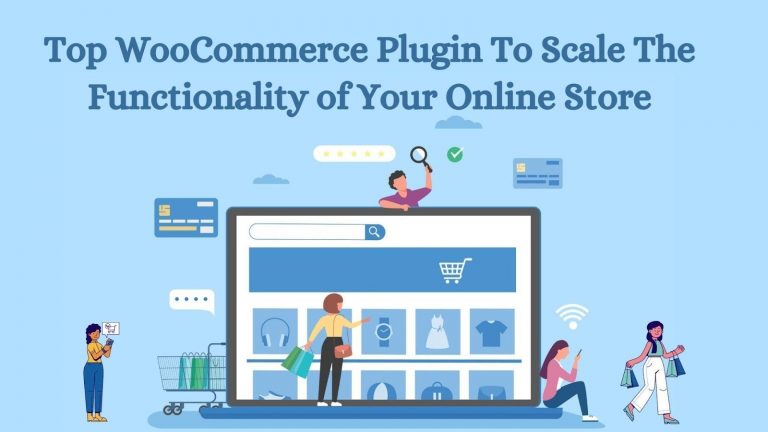
Top WooCommerce Plugins To Scale the Functionality of Your Online Store
Recent statistics confirm that WooCommerce is used by 7.8% of websites. As a leading eCommerce platform, it empowers 28.24% of the market share. As WooCommerce is a free plugin that comes with all the necessary functionality you need to transform…
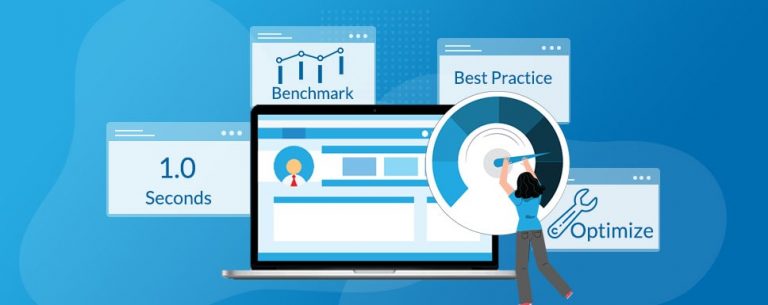
9 Free Website Speed Testing Tools
Looking for some new FREE website speed testing tools? We have compiled a nice list of 9 free website speed testing tools that you can use to run speed test on your WordPress website and see how well it is…

Block Malicious Visits to Your WordPress Site
Need to block malicious visits to your WordPress site? Putting the word malicious into any statement related to your WordPress website is obviously not a good thing. The internet is the Wild Wild West and it is full of many bank…

Speeding Up Your WordPress Website – 4 Easy Methods
Are you currently speeding up your WordPress website? WordPress is one of the most popular options for anyone wanting their own website; from bloggers to business owners, the service has allowed everyone to make and publish their own website. That…

The Dangers of WordPress Malware – How it Affects Your Site
Need to know the dangers of WordPress malware? WordPress is perhaps the CMS being used in the world today and is considered more secure than most other platforms. However, that doesn’t mean they’re completely immune to malware attacks. In fact,…

What is WordPress Malware and How Can You Remove It
What is WordPress malware and why is it harmful? After going through the effort to build an attractive, effective website on WordPress, there is nothing worse than a malware attack bringing it down. Understanding what malware is and how it…
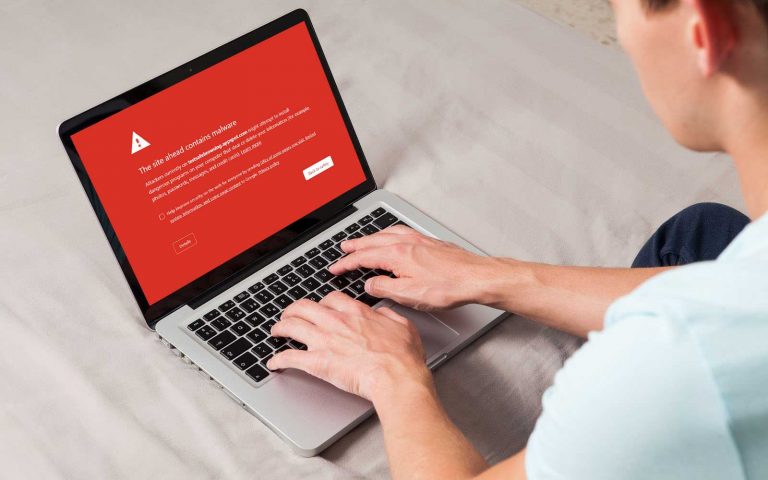
What Should You Do To Remove WordPress Google Blacklist
Need remove a WordPress Google blacklist? If you’ve been running a WordPress-managed site for some time now, then you’re most likely familiar with (and fearful of) the idea of having a WordPress site ending up on the Google Blacklist. Conversely,…

Hide WooCommerce Cart Icon When Empty
Need to hide WooCommerce cart Icon when Empty? We love taking the approach of keeping a website menu as clean and distraction free as possible. There are many e-commerce websites online that will add a shopping cart icon within the…

Stop WordPress 404 Visits When There is Space In The URL
Are you looking to stop WordPress 404 visits? We bet that you didn’t even know there is something happening to your website that could cause you to miss out on some important visits or even worse some conversions. If there…
WordPress Security & Malware Prevention
Keeping your WordPress website secure is essential for protecting your business, your customers, and your online reputation. Cybersecurity threats, malicious plugins, outdated software, and website vulnerabilities can put your entire online presence at risk.
Discover practical WordPress security tips, malware prevention strategies, website protection recommendations, and expert insights to help safeguard your website against hackers, infections, and unexpected security issues.
WordPress Troubleshooting Guides
WordPress errors can happen when you least expect them. Whether you’re dealing with the white screen of death, plugin conflicts, broken layouts, database connection errors, or unexpected website behavior, finding the right solution quickly matters.
Our WordPress troubleshooting guides help you understand common website problems, identify potential causes, and explore practical solutions. Get expert guidance to resolve issues, minimize downtime, and keep your website functioning smoothly.
Website Speed & Performance
A fast, responsive website creates a better experience for visitors and can support stronger search engine performance. Slow page loading, inefficient plugins, oversized images, and poorly configured hosting environments can all affect your WordPress website’s speed.
Explore WordPress performance optimization tips, caching recommendations, Core Web Vitals insights, and proven strategies for improving website speed, reliability, and overall user experience.
WordPress Maintenance & Best Practices
A healthy WordPress website requires ongoing attention. Regular software updates, reliable backups, security monitoring, and preventative maintenance help reduce unexpected problems and keep your website operating efficiently.
Learn essential WordPress maintenance best practices, discover ways to improve website stability, and understand how proactive website management can help prevent costly issues before they happen.
Expert WordPress Help When You Need It
Sometimes, even the best tutorials aren’t enough to solve a complicated WordPress problem. That’s where WP Fix It comes in.
Our WordPress support experts specialize in troubleshooting, malware removal, website performance, security, and ongoing WordPress maintenance. Whether you’re facing an urgent website issue or looking for long-term peace of mind, we’re here to help you keep your WordPress website secure, reliable, and running smoothly.
Need help with your WordPress website? Get Expert WordPress Support and let our team take care of the technical headaches.
