


Looking for a WordPress Hosting Detector
Looking for a FREE tool to identify the hosting company for a WordPress site?
You may be in a situation where you are trying to figure out the hosting company that serves the files and data for your WordPress website.
We can tell you with the years of support that we’ve been providing since 2009 there have been many customers that did not have the name of the company that they were using to host their website.
We wanted to share with you a free online tool that can very quickly give you this information when you need it. Check out the steps below on how to access this free tool.
WordPress Domain Detective
- Visit https://www.wpfixit.com/tools/domain-detective/
- Enter the URL you wish to examine
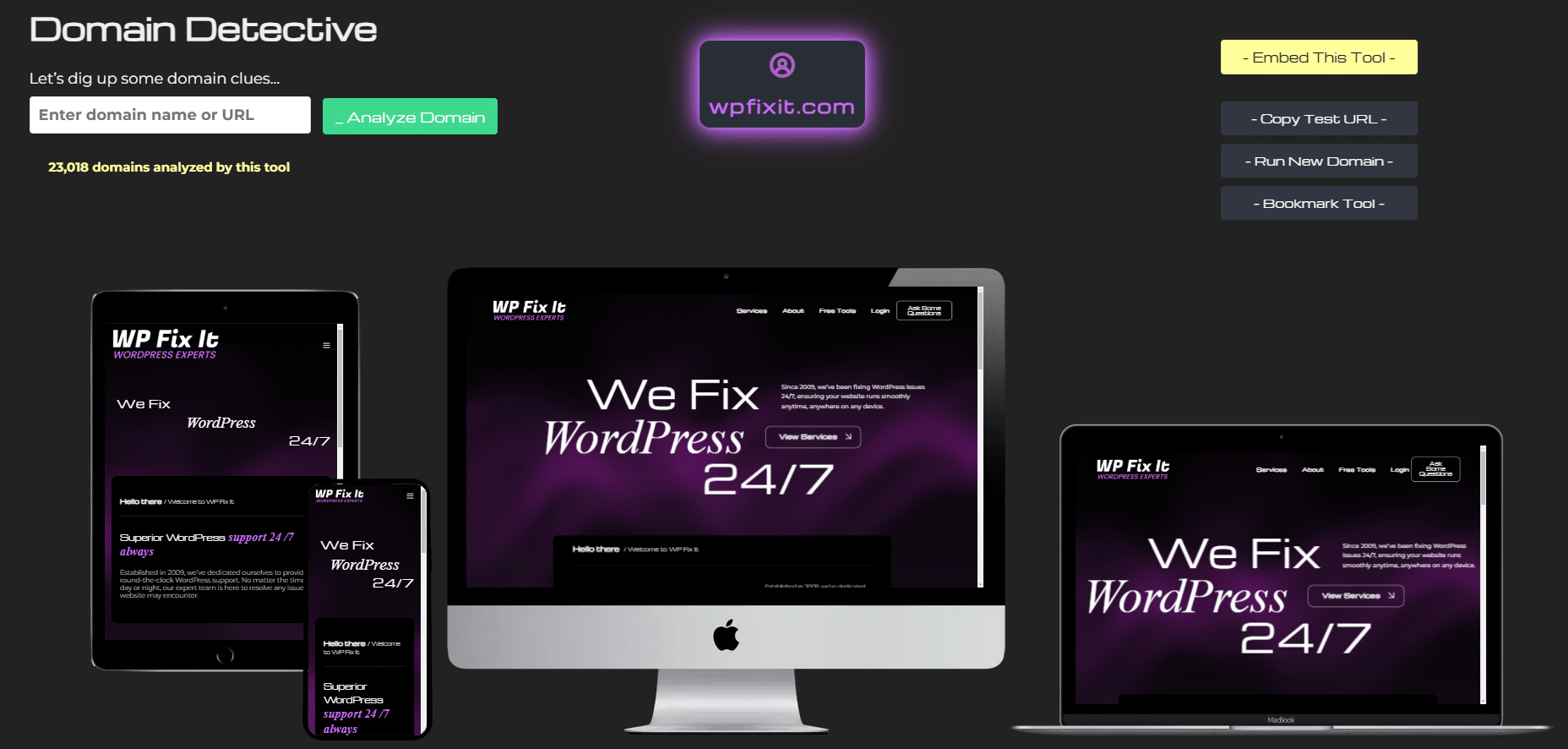
WordPress Hosting Detector
- Visit https://www.who-hosts-this.com
- Enter the URL you wish to examine

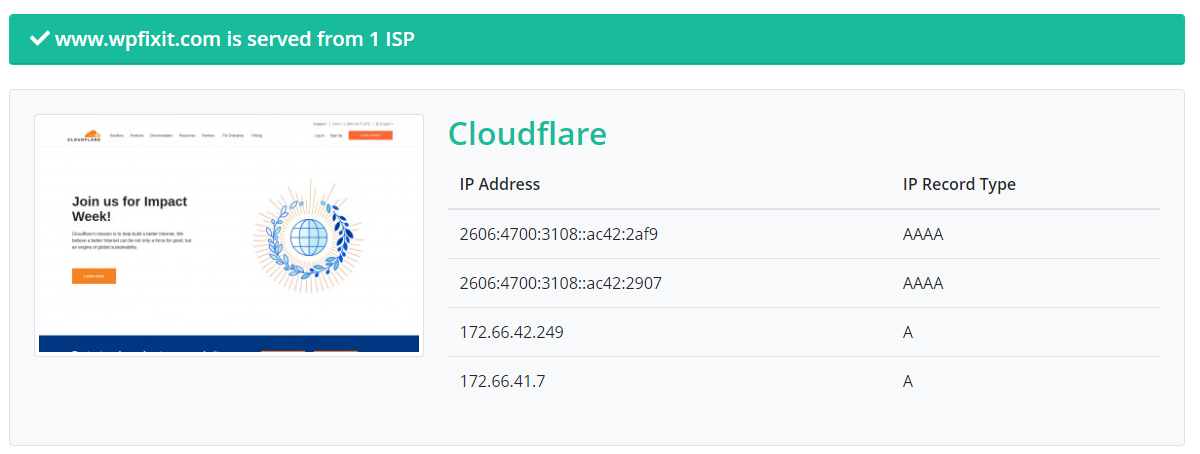
Once you run the WordPress Hosting Detector, it will spit out the results in the format below identifying the hosting company for the URL that you examined.
Looking for a WordPress Theme Detector
We also would like to share with you another FREE tool that is extremely useful in identifying what WordPress theme a website is using.
Sometimes you will run across a WordPress website and might really love the design and the layout of content. So then you want know what theme it is using.
We wanted to share with you a free online tool that can very quickly give you this information when you need it. Check out the steps below on how to access this free tool.
WordPress Theme Detector
- Visit https://www.wpthemedetector.com
- Enter the URL you wish to examine

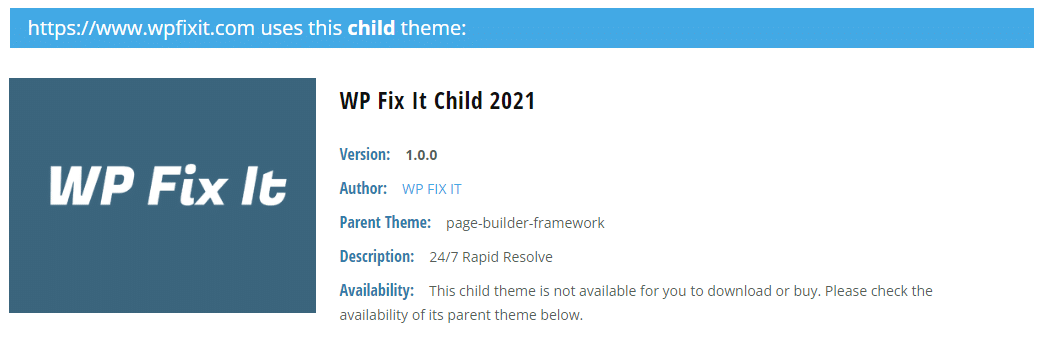
Once you run the WordPress Theme Detector, it will spit out the results in the format below identifying the theme in use on the URL that you examined.
We hope that you will bookmark these two free online tools as we assure you that they will come in handy sometime and you want to make sure that you have these fired up and ready to go.
How to Use a WordPress Theme Detector When Results Are Incomplete
A WordPress theme detector can identify the theme and hosting provider used by a public website, but its results are based on information that the site exposes. It cannot reliably identify every custom design, private theme, or hosting arrangement.
- Copy the complete website URL, including the domain name.
- Open the WordPress theme detector and paste the URL into the search field.
- Run the scan and review the reported theme name and related details.
If the detector does not find a theme, the site may be using a custom theme, a child theme, or a theme whose identifying files are not publicly visible. A child theme may also cause the scan to show the parent theme rather than the exact design currently active. In that situation, the result is a useful clue, not confirmation of the site’s complete setup.
For a hosting lookup, enter the same public URL into a WordPress hosting detector. Hosting results can also be incomplete or misleading when a site uses a content delivery network, reverse proxy, reseller hosting, or separate providers for its website, DNS, email, and domain registration. The company shown by the detector may identify the server or network handling the request rather than the company you pay directly.
When a scan fails, try the site’s main domain instead of a deep link, remove extra URL parameters, and check that the address loads normally in a browser. You can also compare results from the hosting and theme tools, but do not assume that a detected theme or host is available for purchase or support from the website owner. These tools are best used for investigation and troubleshooting, not as a substitute for access to the site’s WordPress dashboard or hosting account.