
A WordPress theme expert should do more than make a website look polished. The right specialist can select or customize a theme without creating plugin conflicts, inaccessible layouts, update problems, or a site that only the original developer can maintain.
In this guide
Before hiring anyone, define the kind of theme work you need, inspect evidence of similar projects, and ask how the work will remain safe after launch. This checklist helps you compare freelancers, agencies, and support companies using practical questions rather than design screenshots alone.
First, define the theme problem
“I need a new theme” can describe several different projects. Write down the actual problem before contacting a specialist:
- Choosing a suitable block theme or classic theme
- Customizing an existing theme’s templates, styles, or layout
- Repairing a theme that broke after an update
- Converting a design mockup into a WordPress theme
- Improving responsive behavior on phones and tablets
- Replacing an outdated theme while preserving content and SEO settings
- Building a custom theme for a specific editorial or business workflow
This distinction matters because a developer who is excellent at CSS adjustments may not be the right person to build a custom theme architecture. Likewise, a visual designer may not be equipped to troubleshoot PHP, template hierarchy, block patterns, or WooCommerce compatibility.
Check for relevant WordPress experience
Ask for examples that resemble your project, not just a general portfolio. A relevant example should demonstrate similar content types, integrations, or constraints.
Useful portfolio questions
- Was the site built from an existing theme, a child theme, or a custom theme?
- Which parts did the specialist personally develop?
- Does the example include features you need, such as custom post types, memberships, multilingual content, or WooCommerce?
- Can the specialist explain how the site is maintained after launch?
- Is the example still publicly available, and does it behave well on different screen sizes?
Be cautious with portfolios that show only visual mockups or homepages. A theme project also involves templates for posts, archives, search results, error pages, menus, forms, and—where applicable—shop, cart, and account screens.
For broader background on evaluating WordPress skills, see our guide to becoming a WordPress expert. It provides useful context for the range of technical knowledge a serious WordPress project can require.
Ask how the theme will be customized
The proposed implementation often tells you more than the sales description. Ask the specialist to explain where custom code will live and how it will be protected from future updates.
Safer implementation patterns
- Child theme: Often appropriate when modifying a parent theme while retaining a manageable update path.
- Custom theme: Suitable when the design and content model require more control than an existing theme provides.
- Site-specific plugin: Usually a better home for functionality that should remain active if the theme changes.
- Block patterns and styles: Useful for reusable layouts and design controls in block-based projects.
There is no single correct approach for every site. The important question is whether the specialist can explain the trade-offs. Custom post types, shortcodes, redirects, form processing, and business rules should not automatically be tied to a theme if they need to survive a future redesign.
Ask directly: “What happens to my customizations when the parent theme updates or I change themes?” A clear answer should include version control or documented backups, a staging workflow, and a rollback plan.
Evaluate technical quality, not just appearance
A theme can look excellent in a screenshot while still producing difficult problems for visitors and editors. Ask how the specialist handles the following areas.
Responsive behavior
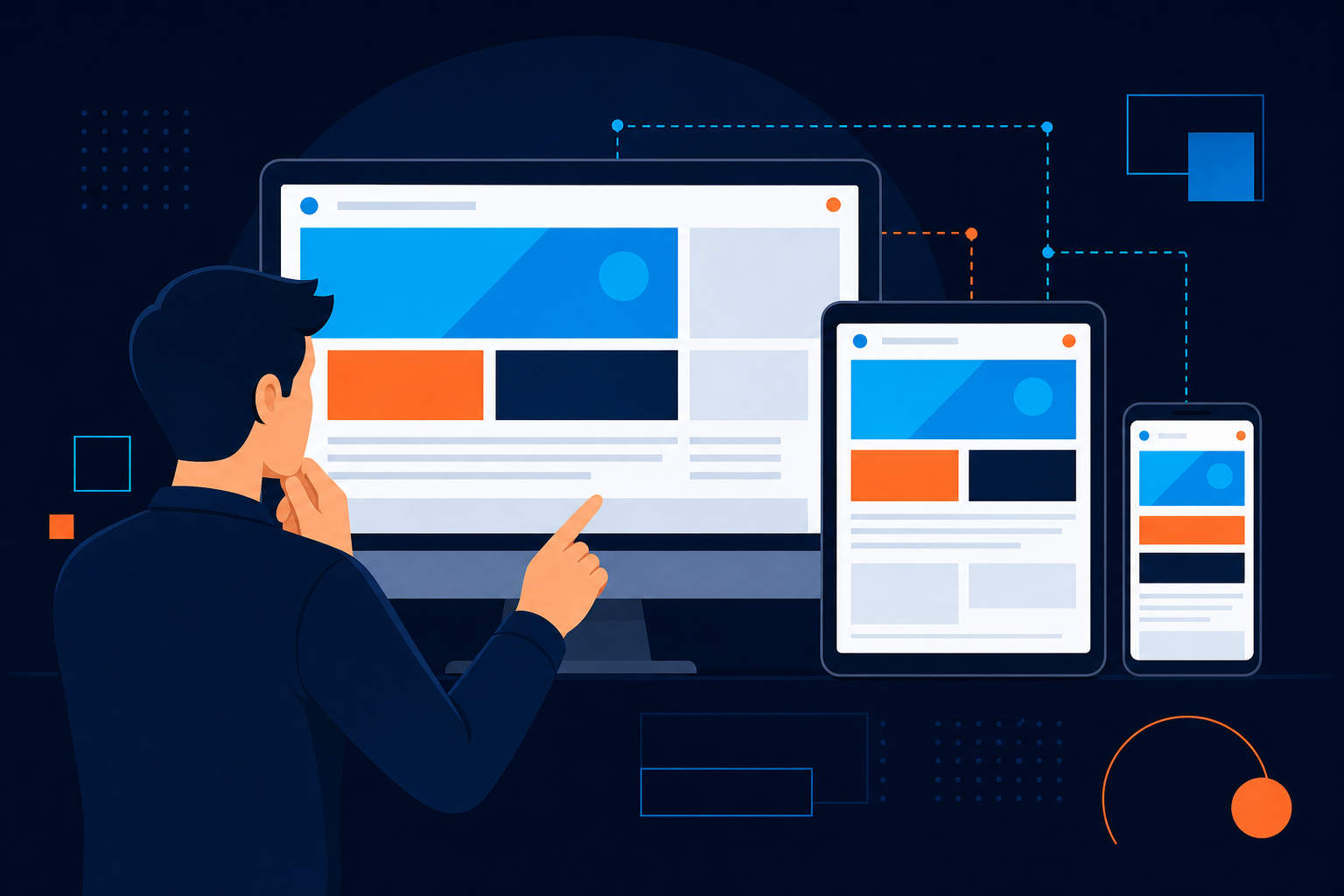
The site should be checked at different viewport widths, not only on the developer’s preferred phone and desktop. Navigation, tables, images, forms, columns, and buttons all need practical testing. A responsive layout may require different spacing or content behavior—not merely smaller text.
Accessibility
Ask whether the work includes keyboard navigation, visible focus states, sensible heading structure, readable contrast, meaningful link text, and labels for form controls. Accessibility review is not a promise that every visitor’s needs are covered, but it should be part of the development process.
Performance
Find out whether the theme avoids unnecessary scripts, oversized assets, and decorative effects that delay useful content. Ask what will be measured and whether testing will account for caching, hosting, plugins, and real page templates rather than relying on a single homepage score.
WordPress standards
A capable specialist should be comfortable with template files, hooks, enqueueing assets, sanitizing input, escaping output, and avoiding edits that will be overwritten. For technical references, consult the official WordPress Developer Resources.
Confirm compatibility with your plugins and workflow
The theme does not operate in isolation. Provide a list of important plugins and ask how compatibility will be checked, especially for WooCommerce, membership systems, page builders, multilingual tools, forms, analytics, and caching.
Ask whether testing will happen on a staging site. A useful staging process should let the developer test updates and theme changes without exposing unfinished work to visitors. It should also include a way to compare the staging site with production before launch.
Important compatibility questions
- Will existing content retain its formatting after the theme change?
- Will menus, widgets, blocks, and customizer settings need to be rebuilt?
- Will WooCommerce templates be overridden, and how will those overrides be maintained?
- Could the theme conflict with the site’s caching, security, or SEO tools?
- How will forms, tracking scripts, and consent controls be verified?
- What is the rollback process if a launch exposes a problem?
If the site has already developed theme-related errors, separate the repair from the redesign. Our guide to repairing a broken WordPress navigation menu after an update illustrates why a seemingly small theme change can affect important site functionality.
Review the proposed scope and deliverables
A vague quote makes it difficult to determine whether the project is complete. Request a written scope that identifies templates, features, revisions, testing, launch support, and documentation.
A practical theme project scope may include
- Design or implementation of specified templates
- Desktop, tablet, and mobile layout work
- Theme settings, global styles, menus, and reusable patterns
- Integration testing with named plugins
- Content migration or formatting adjustments, if included
- Accessibility and browser checks
- Performance review and asset optimization, if included
- Staging deployment and production launch
- Backup and rollback procedures
- Editor training and maintenance documentation
Clarify what is excluded. Content writing, image editing, plugin development, SEO migrations, hosting changes, and third-party service configuration may require separate work. Stating this early prevents disagreements later.
Ask about ownership, access, and documentation
You should know who owns the theme files, design assets, licenses, and custom code after payment. Ask whether the specialist uses premium components that require their account or a recurring license.
Keep administrator access under your organization’s control. A developer can receive an individual account with the permissions needed for the job; sharing a personal password makes later access control and auditing harder.
At handoff, request:
- A list of installed theme and plugin licenses
- Theme and child-theme files or repository access, where applicable
- Instructions for updating the theme safely
- A list of custom templates, hooks, and integrations
- Staging and production details
- Known limitations and recommended maintenance tasks
Understand support after launch
Theme work is not finished simply because the homepage looks correct. WordPress core, plugins, browsers, hosting settings, and third-party services can change later. Ask what post-launch support includes and for how long.
Distinguish between a warranty for defects in the delivered work and ongoing maintenance. A defect correction policy may cover an implementation error; it may not cover a new plugin, a content change, a hosting migration, or a later WordPress update.
If you need continuing updates, backups, monitoring, and technical assistance across one or more sites, compare the scope of a WordPress care and Site Manager plan with the developer’s proposal. Choose based on clearly described responsibilities rather than assuming every maintenance plan includes the same tasks.
Warning signs during the hiring process
One concern by itself does not prove that a provider is unsuitable, but several of these signs deserve clarification:
- The provider cannot explain where custom code will be stored.
- The proposal promises perfect scores or compatibility with every plugin.
- There is no staging, backup, or rollback discussion.
- The portfolio contains attractive images but no live examples or technical explanation.
- The provider wants to use one shared administrator login.
- The quote does not identify templates, revisions, testing, or launch support.
- The provider dismisses accessibility, security, or update planning as unnecessary.
- You are pressured to replace the theme before the current problem has been diagnosed.
Be especially careful with absolute claims. A responsible specialist should describe risks, assumptions, and testing boundaries instead of guaranteeing that a theme will never conflict with another component.
Use a simple comparison scorecard
When comparing candidates, score each one against the same questions. For example, use a scale from one to five for relevant experience, technical explanation, accessibility awareness, testing process, documentation, communication, and post-launch support.
Do not let a low price compensate for missing ownership terms or an unclear rollback plan. Likewise, a polished portfolio does not replace evidence that the specialist can maintain the site after launch. The strongest choice is usually the provider who can explain the work clearly and match the implementation to your actual needs.
Final checklist before work begins
- Write down the business and content requirements.
- List your essential plugins, integrations, and templates.
- Review relevant live examples and ask what work was performed.
- Confirm whether the project uses a parent theme, child theme, custom theme, or site-specific plugin.
- Require staging, backups, and a documented rollback approach.
- Put ownership, licenses, access, scope, and exclusions in writing.
- Agree on acceptance criteria and post-launch support.
- Plan for updates and future theme maintenance before launch.
A good WordPress theme expert improves the site’s design without making its future harder to manage. Clear requirements, transparent implementation choices, and practical testing give you a much safer basis for hiring than visual appeal alone.