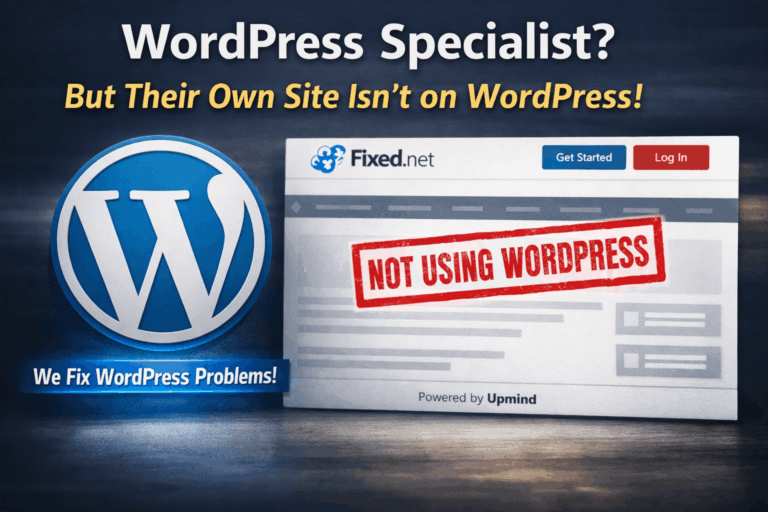


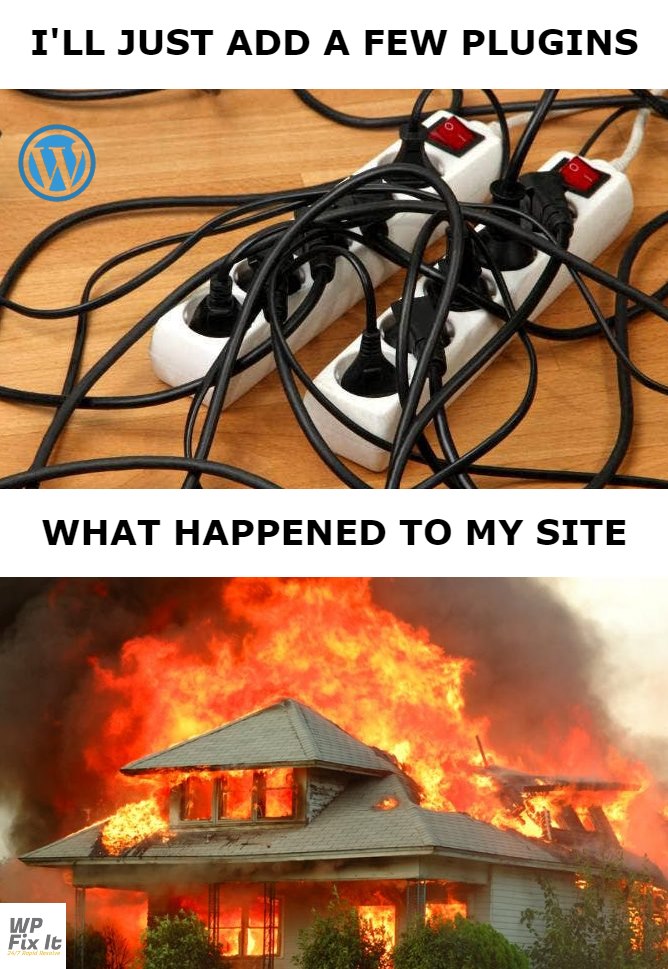
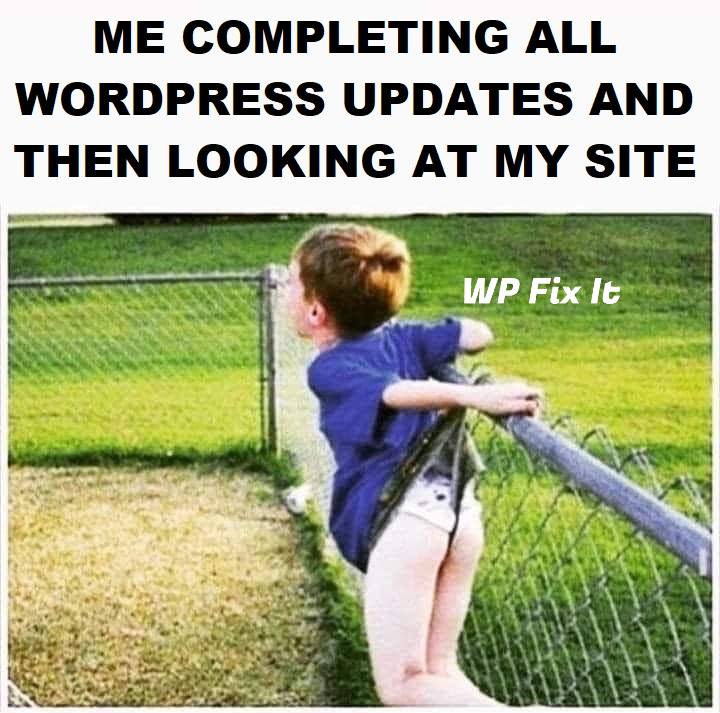
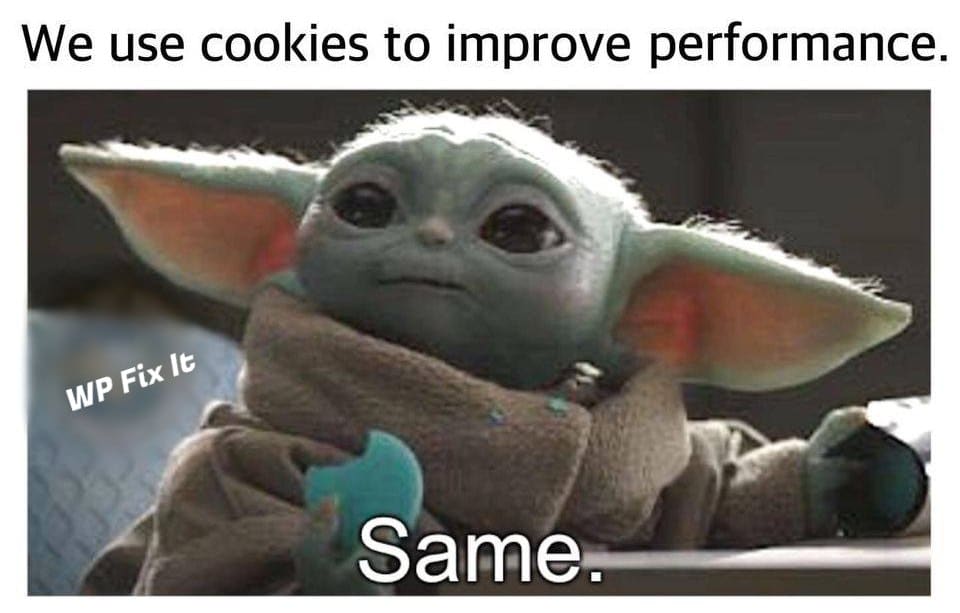
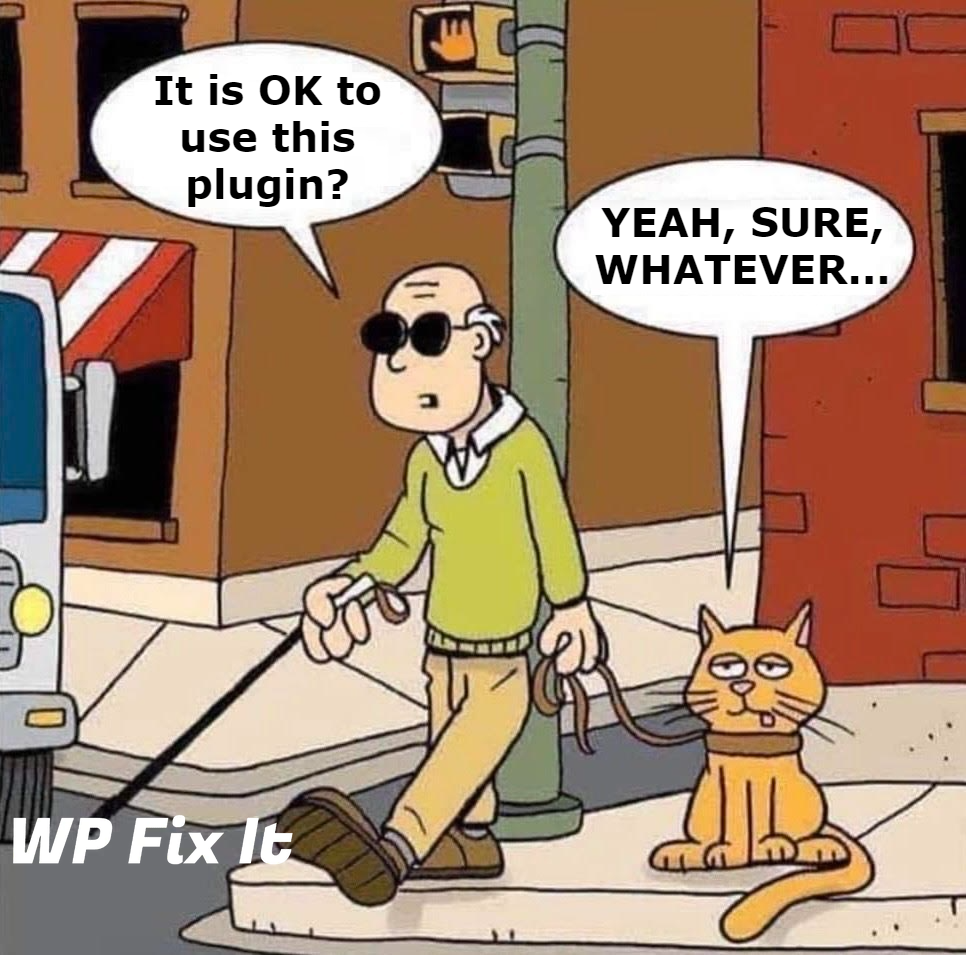
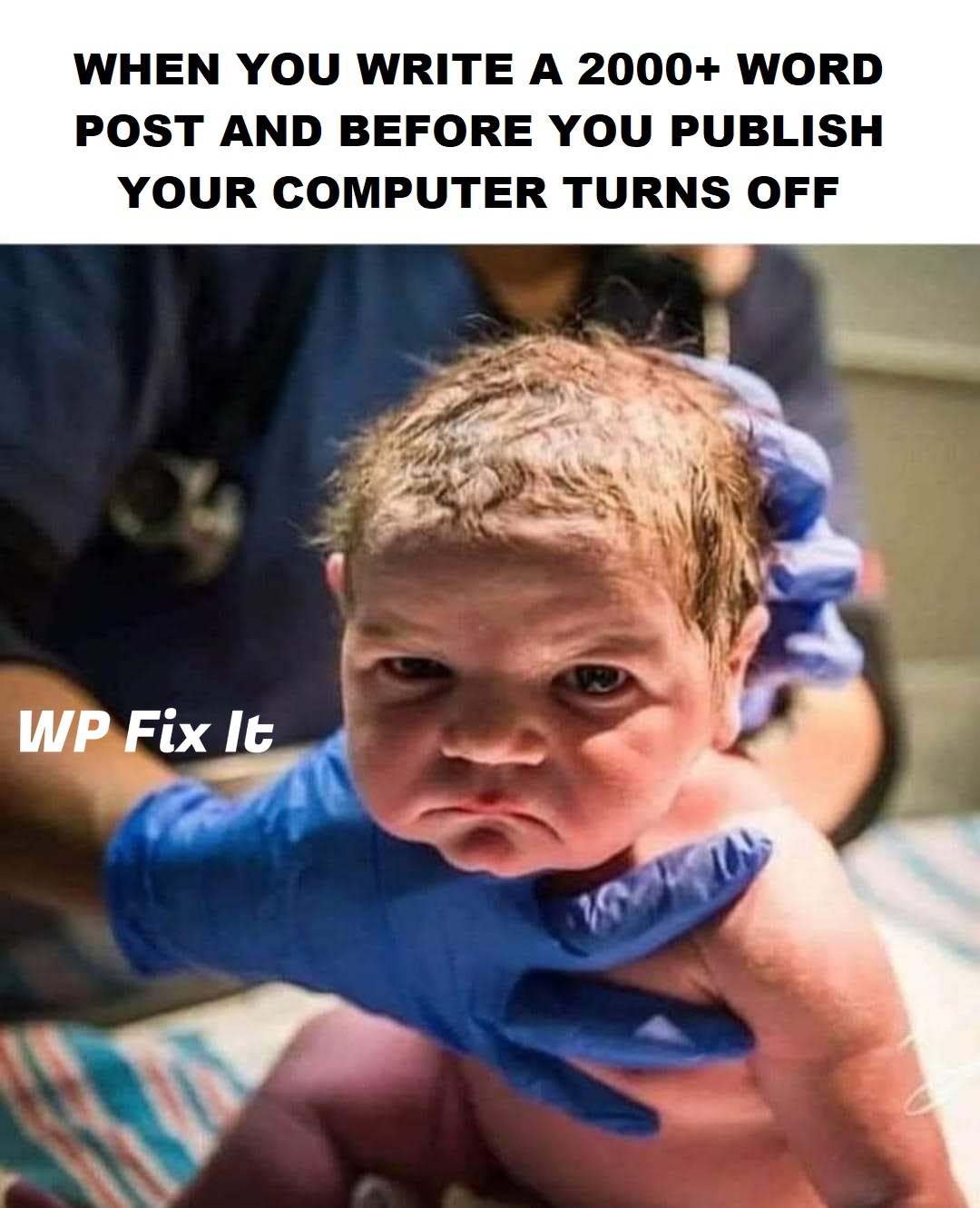
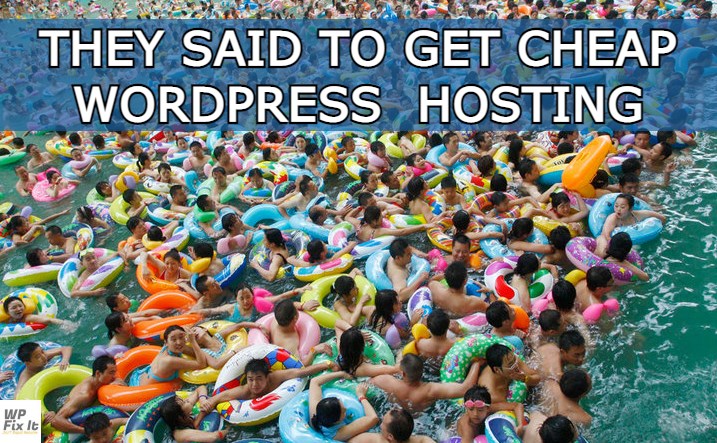
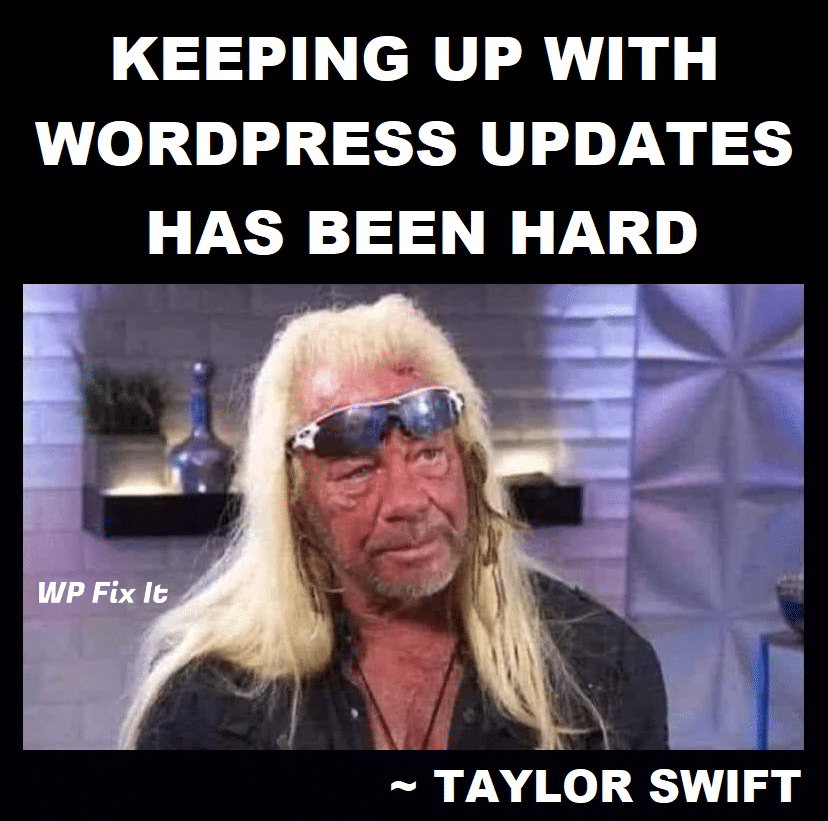
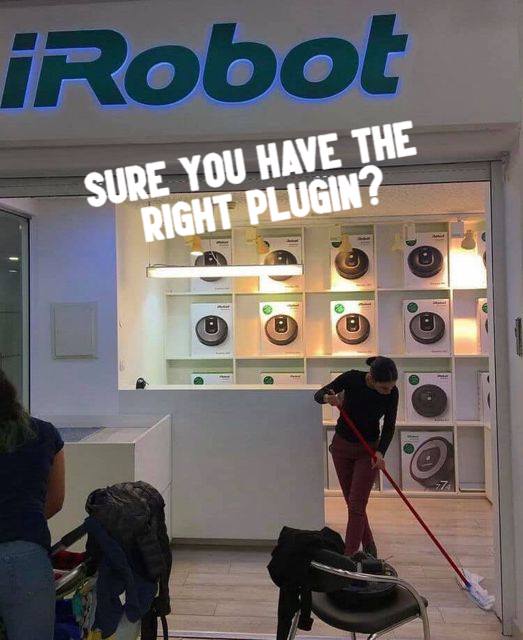
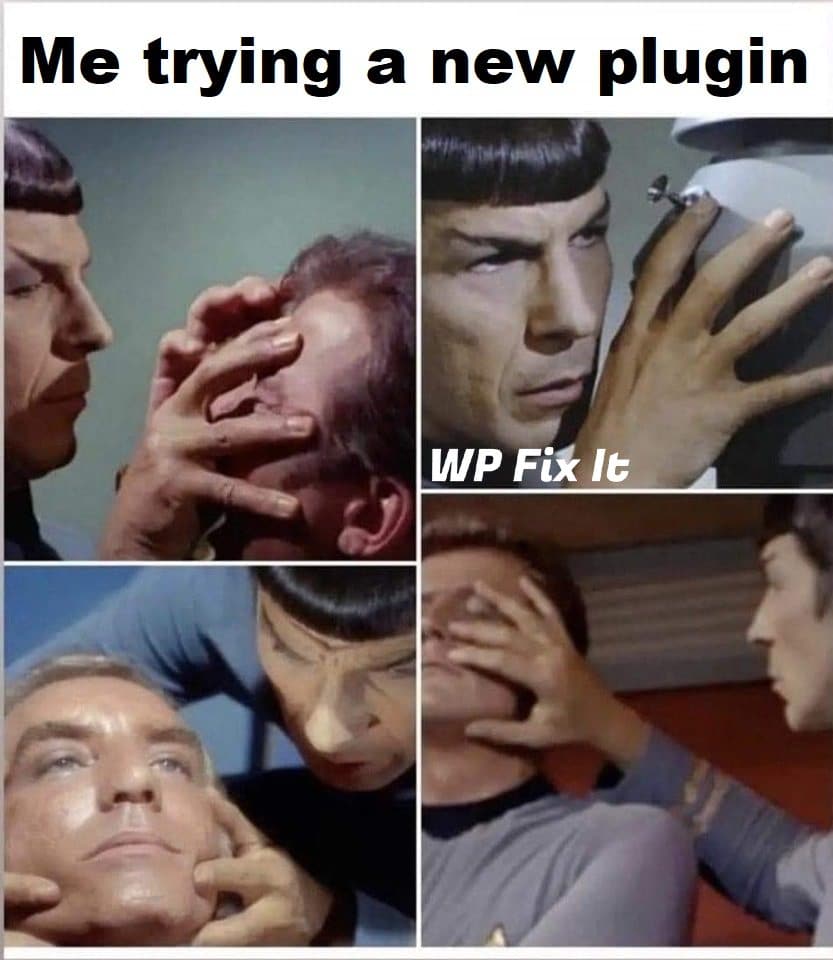
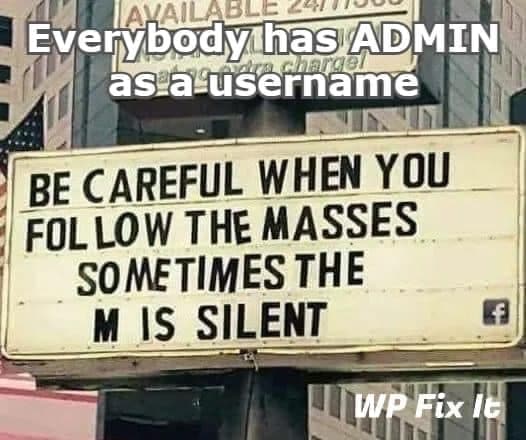
Here are many WordPress MEMEs to have fun with!
WordPress users will for sure relate to many of these.












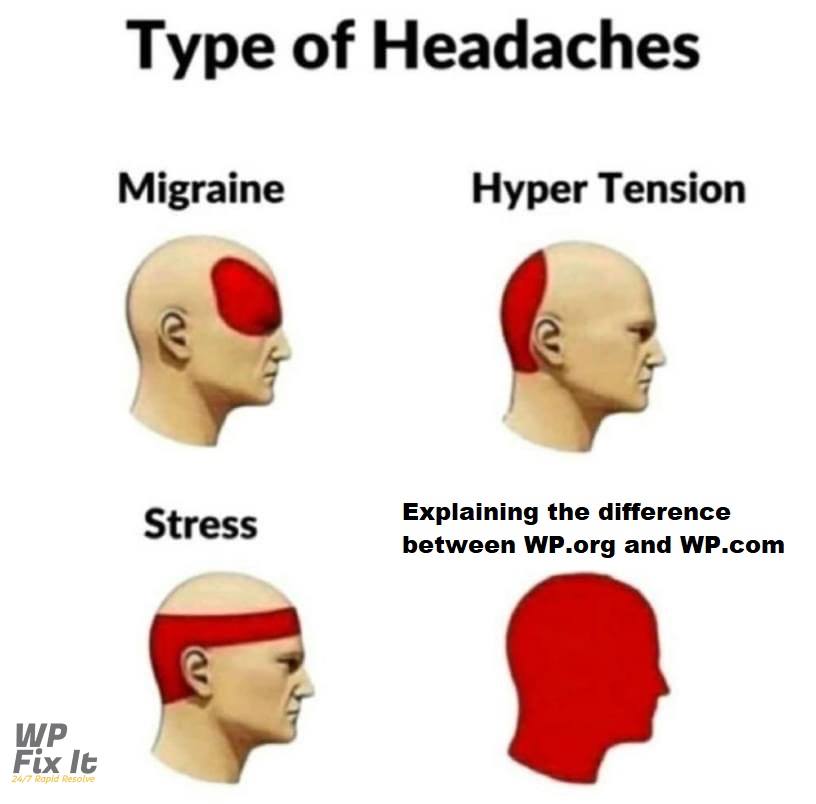
How to Use WordPress Memes on Your Site
WordPress memes are a simple way to share the familiar experiences of building and maintaining a website, from plugin updates and unexpected layout changes to troubleshooting errors. If you want to use a meme on your own WordPress site, choose an image that supports the page topic and remains understandable without extra context.
Before publishing a meme, check that you have permission to reuse the image. If you create your own WordPress meme, use original artwork or media you are allowed to edit and distribute. Avoid presenting third-party logos, screenshots, or other people’s work as your own.
- Add descriptive alternative text: Briefly describe the meme’s important image and text in the image settings. If the image is purely decorative and the surrounding text already provides the same information, an empty alternative-text value may be appropriate.
- Keep the file size reasonable: Resize or compress large images before uploading them so the meme does not unnecessarily slow the page.
- Use a clear filename: A filename such as
wordpress-plugin-update-meme.jpgis easier to identify than a camera or download filename. - Provide context: Add a short caption or nearby sentence when the joke depends on a WordPress term, error message, or maintenance task.
For social sharing, verify how the image appears in the preview after publishing. If the wrong image or no image is shown, check the page’s featured image and the settings of any SEO or social-sharing plugin you use. A meme can be funny on its own, but relevant surrounding text helps visitors understand why it appears on the page.